
Research

What makes a music video?
Music videos began to rise in prominence in the 1980s when MTV began and based its format around the medium. They quickly became a pop culture staple, influencing fashion, trends and visual aesthetics. With the rise of the internet and the advent of platforms such as YouTube, music videos have become more accessible and thus more popular than ever before and have become one of the primary ways music is shared and distributed. There are many different types of music videos from abstract art pieces and story-based videos to performance-based videos. Different genres of music will often have different visual conventions in their music videos, for example, hip-hop music videos are often set in an urban setting with flashy cars or other objects and extravagant lifestyles on display, whilst rock music videos are often more performance-based and ‘raw’. Music videos have become a format in which both the artist and the director can express their artistry and unique style – experimental and ‘avant-garde’ artists and directors often push the boundaries of music video aesthetics, using new technology, cinematography techniques and other visual effects to make each video new and unique.
With that in mind, I want to create a more performance-based music video, whilst also making use of technology to add lots of experimentation and interesting effects. I’ve always loved lighting design for live events – so I want to work that in there somewhere, and as I mentioned in my pitch I want to include some editing effects, motion control and projections.
So with that, let’s have a look at some techniques and how I can achieve them…
Lighting
I love lighting. It’s something that I’ve been wanting to work into my projects on this course since the get-go, and so what a perfect time to include it. In the past, I have worked on shows for my secondary school, as well as on projects such as Solfest and the Keswick Convention, so I am decently well-versed in the creation of a lighting design. In order to create a lighting design there are a few things that I need, the light fixture patch list displaying the DMX address of all the fixtures in a physical rig. For example, I’m planning on filming the video in the Theatre at college and so I need to know how all of those fixtures are addressed so that I can program how they work.
Another thing I’ll need is software to program the lights with. At college we use a piece of software called MagicQ from Chamsys. To be quite frank, I hate MagicQ – It’s far to convoluted for its minimal functionality, you spend more time looking for what you need instead of actually programming the show, and above everything else, it’s just ugly. So, I want to use something else. Now, lighting software and equipment is notoriously expensive but here are a couple of options:
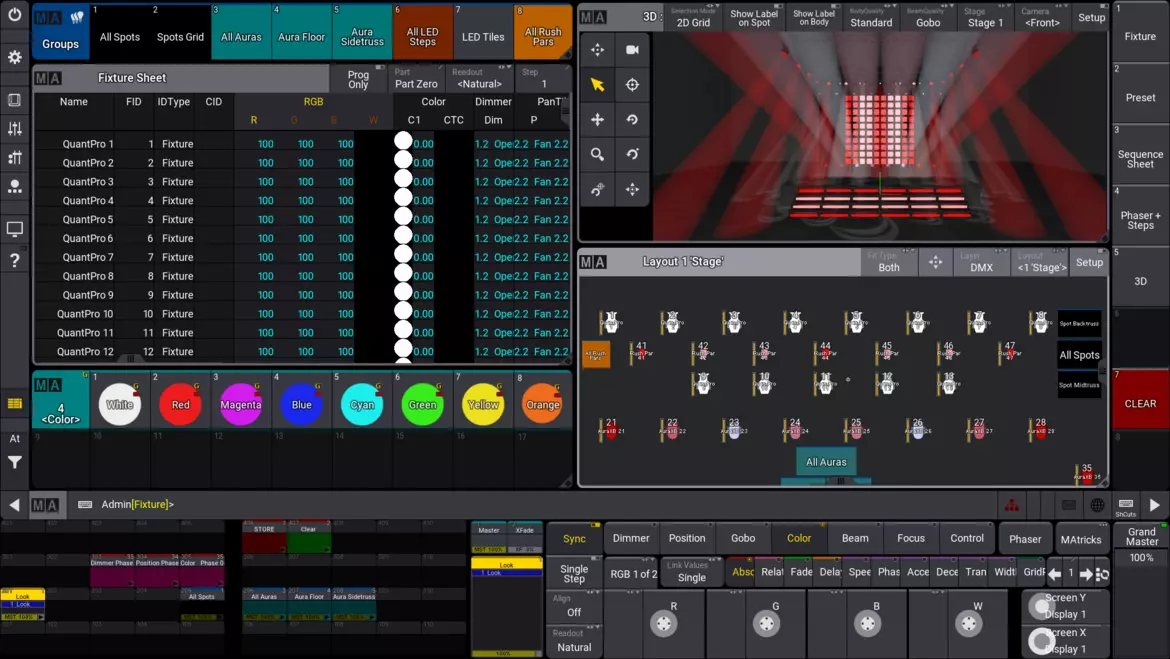
- MA Lighting – GrandMA3
- GrandMA3 is an incredibly funtional piece of software that is widely used in the lighting industy for big events such as concerts, conventions, competitions, etc. For example it’s often used on big touring shows and is the prefered option for events such as Eurovision.
- However, whilst it is very powerful it is also quite expensive because whilst the software itself is free, in order to output DMX you have to have a piece of MA hardware on the network – the cheapest of which retails at £1,500 (quite cheap when compared to their £60,000 full-size consoles but still more than I’m willing to pay)



- Avolites – Titan
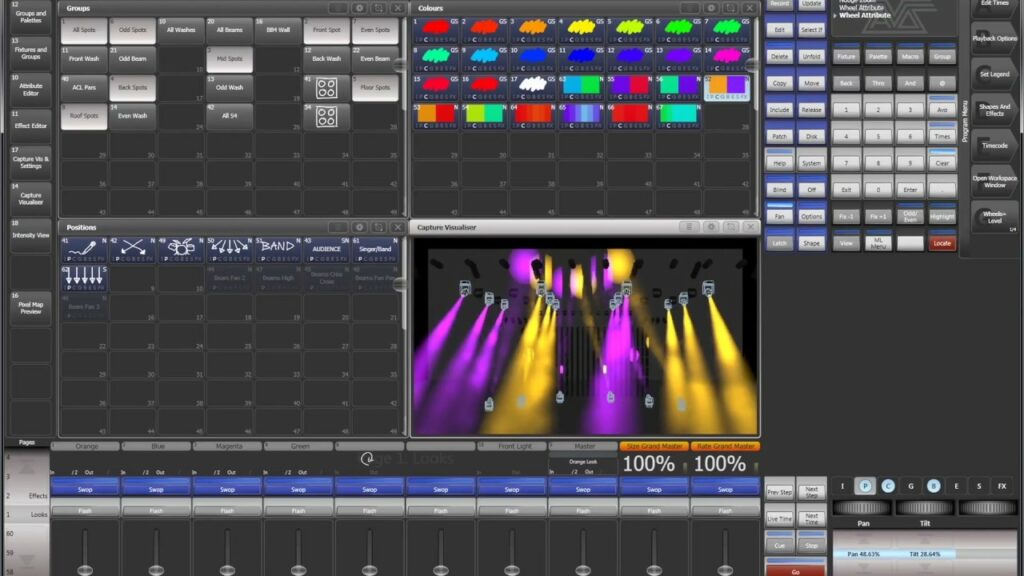
- Another option is the Titan software package from Avolites. It’s probably the second most popular lighting software package after GrandMA in the lighting design industry and it’s my personal favourite as it’s the one I’ve used most frequently and have used on previous projects so I feel quite comfortable using it. It is very powerful and is often used for live events and music events although I used it for theatrical shows, which shows how versatile it is.
- And it’s not too expensive – only £170 for the cheapest interface to activate the software.
There are other options such as ETC Nomad, but they don’t quite have all of the features I’m looking for and I think I’ve found my winner with Avolites Titan.
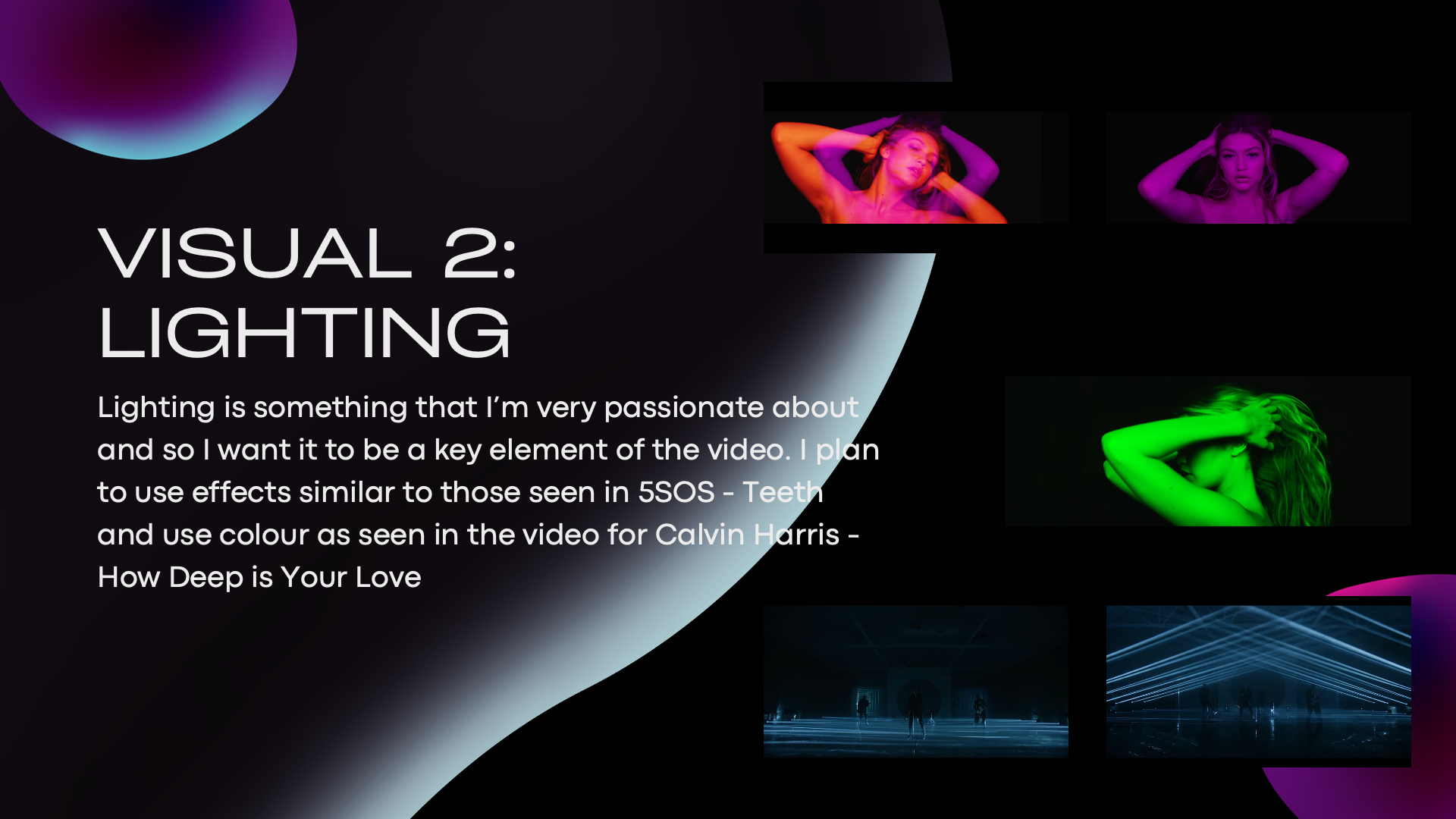
So what sort of lighting design am I thinking of creating? Well, I really want to create an atmosphere using strong colours and strobes.
I really like the lighting design in this live performance from Caravan Palace, I particularly like the use of Iris on the moving heads, unfortunately, I don’t have access to these types of lights. I also like the effects on the battens along the back, and whilst I don’t have access to battens, I could do similar effects on standard LED Pars.
Projections
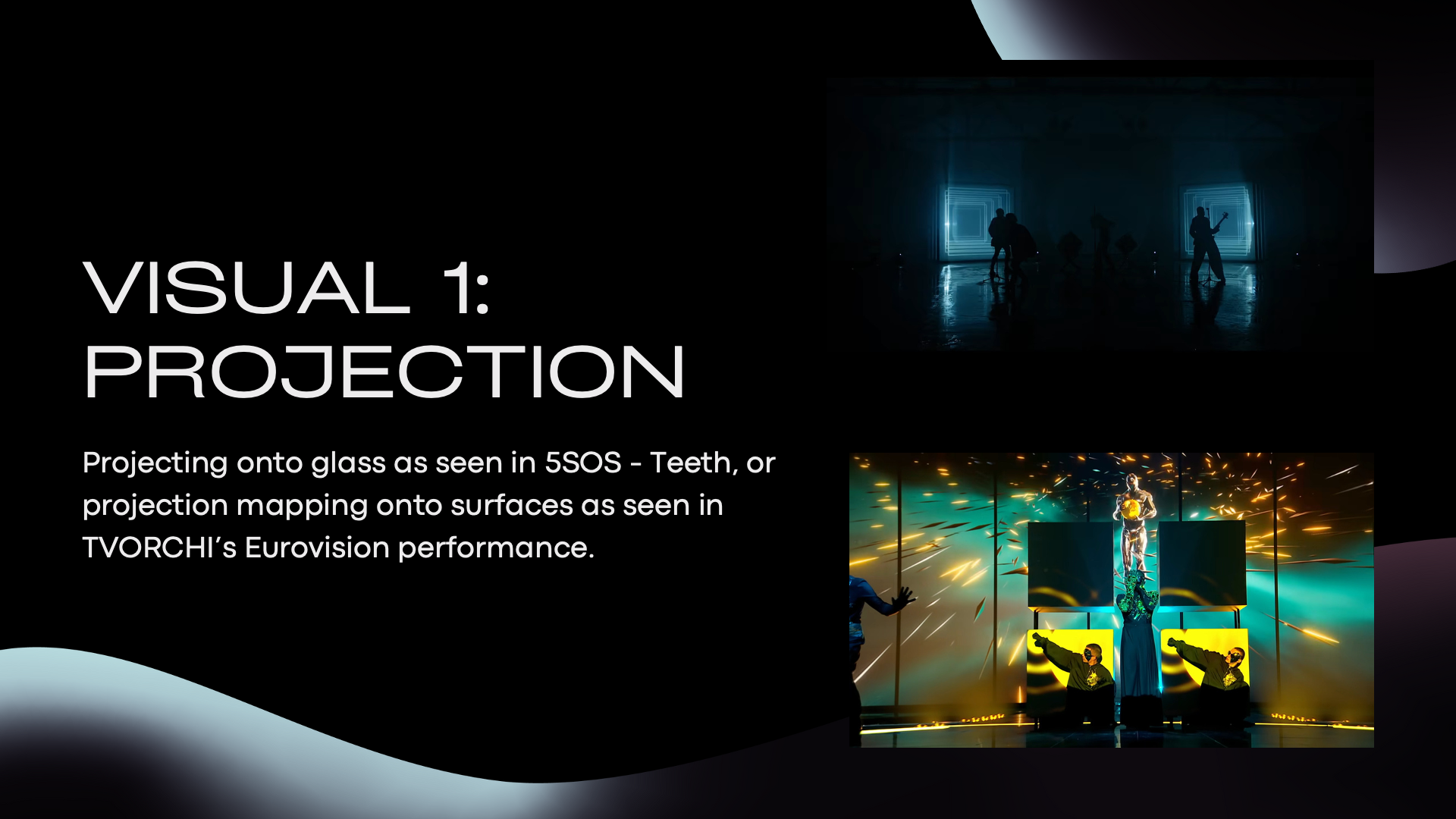
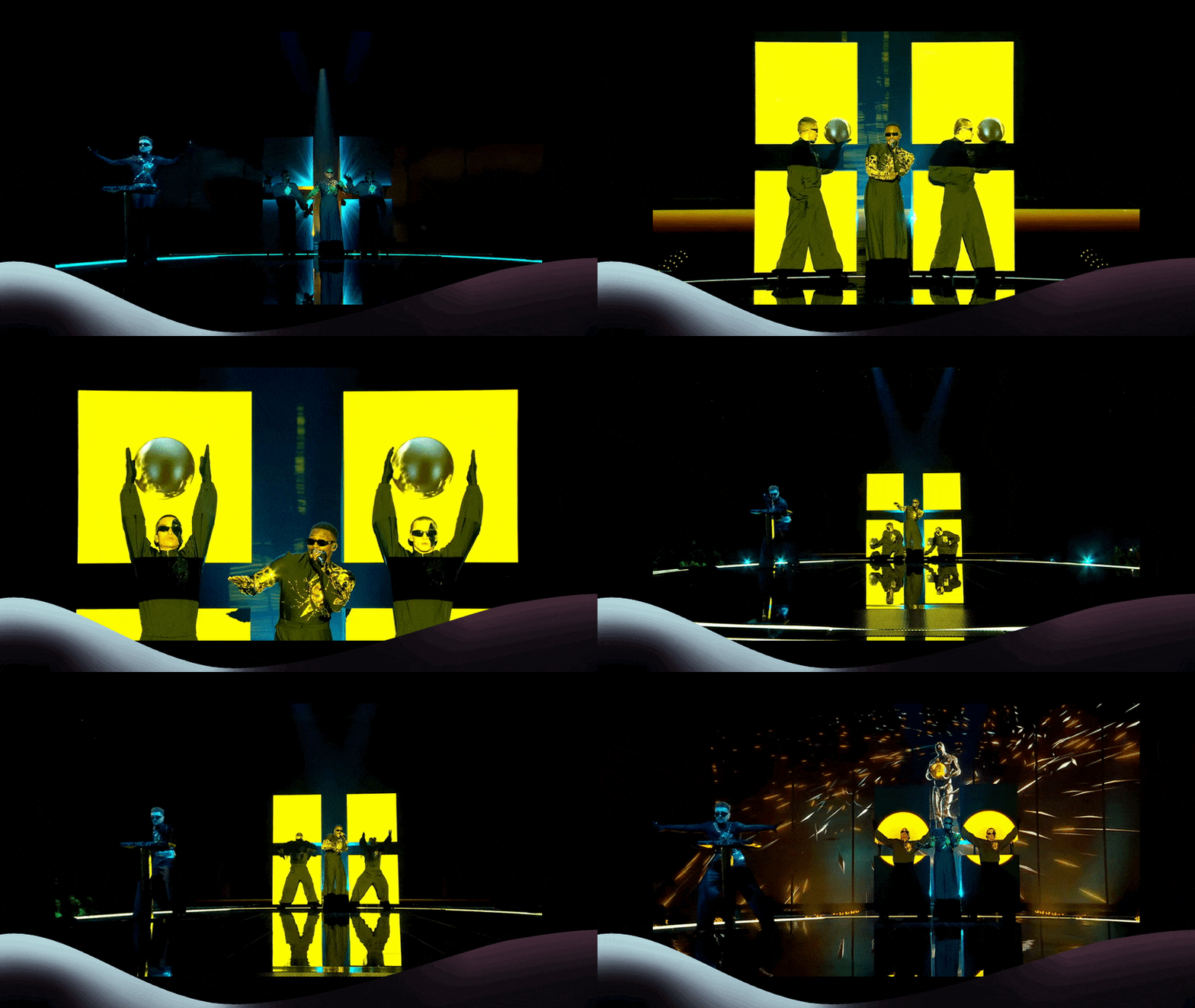
I really like the idea of using projections and maybe having the talent ‘interacting’ with the projections, like in this clip from last year’s Eurovision Song Contest:
I love the projection mapping in this performance, I’m thinking that I’ll definitely try to include some form of projection mapping into my project.
They also used projections to great effect in the music video version of the entry, I quite like the look of the column projection, and I might centre my design around that idea.
To set up projections, I’ll need software that can handle video playback and projection mapping onto various surfaces. I’m debating between Qlab and VPT8. VPT8 seems a bit unreliable and not very user-friendly, whereas Qlab is more dependable, albeit with a $4/day license fee for its projection mapping features.
Motion Control
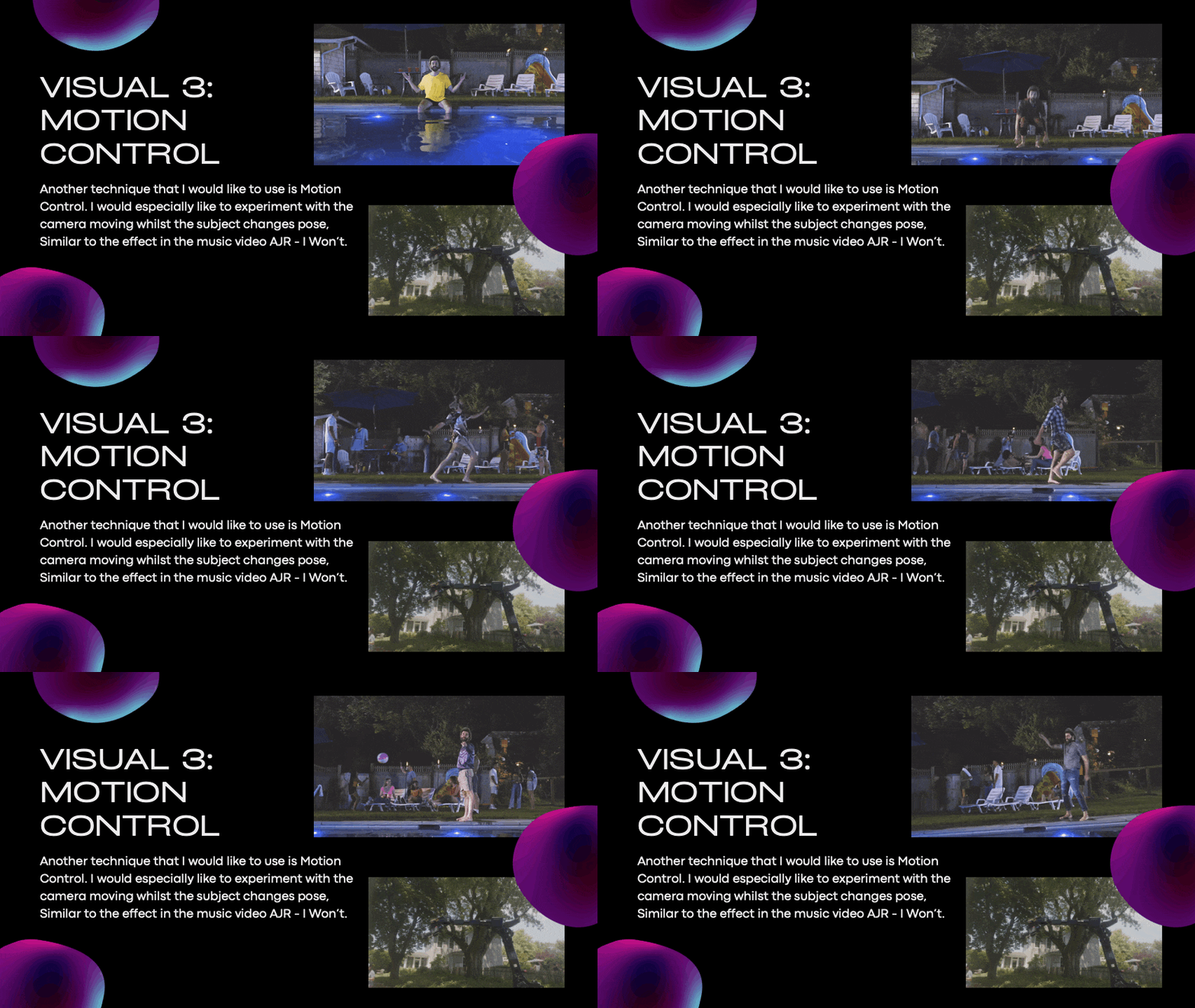
Motion control is a technique in which the motion of the camera is controlled in such a way that the motion can be replicated over and over again so that you can film what appears to be a continuous shot with different things in the frame changing.
In this music video for “I Won’t” by AJR the video almost entirely consists of motion-controlled shots. I especially like the first shot where it follows him along the pool.
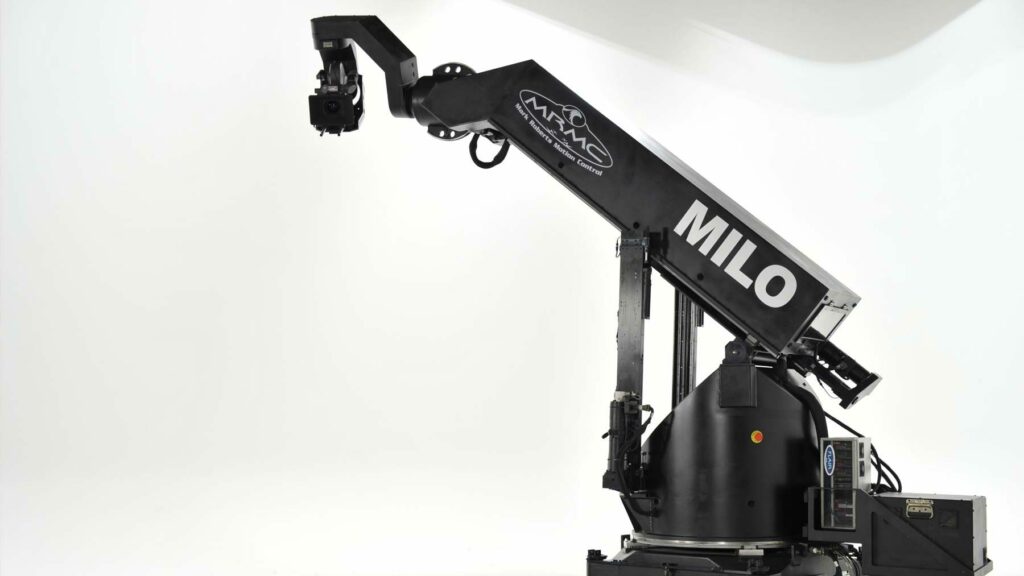
For that video they used a MILO motion control robot arm from Mark Roberts Motion Control.
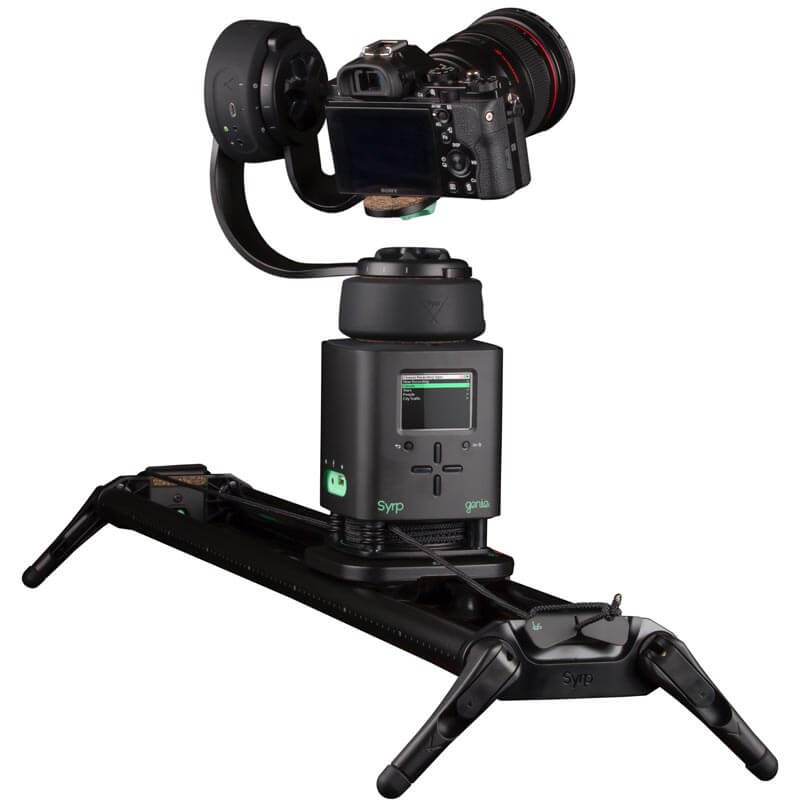
Obviously, I don’t have access to a full motion control rig/robot, but, I do have access to a Syrp slider and head kit, which would allow me to control all three axis and create shots similar to those in the AJR video, alas on a smaller scale.
Editing
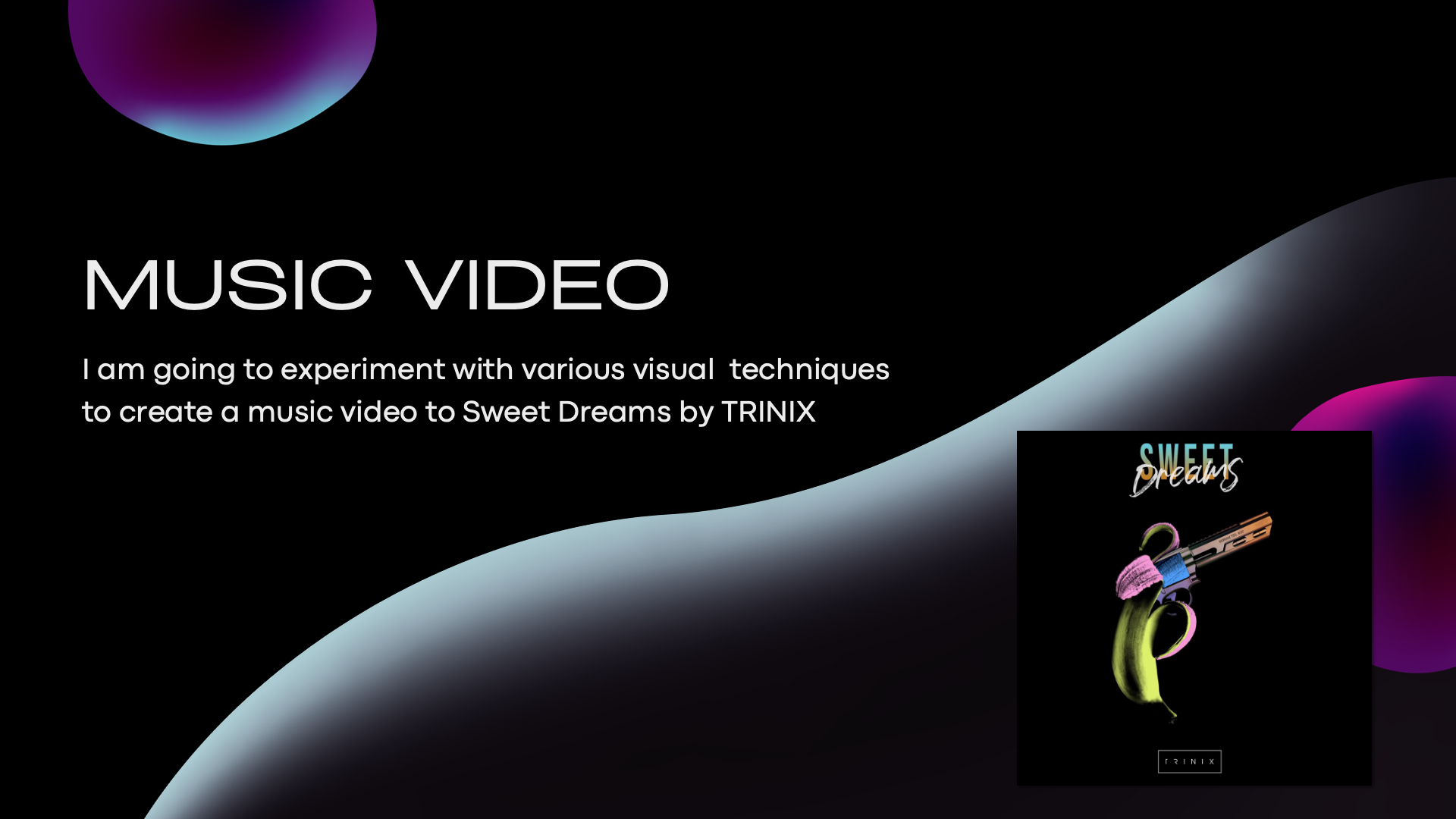
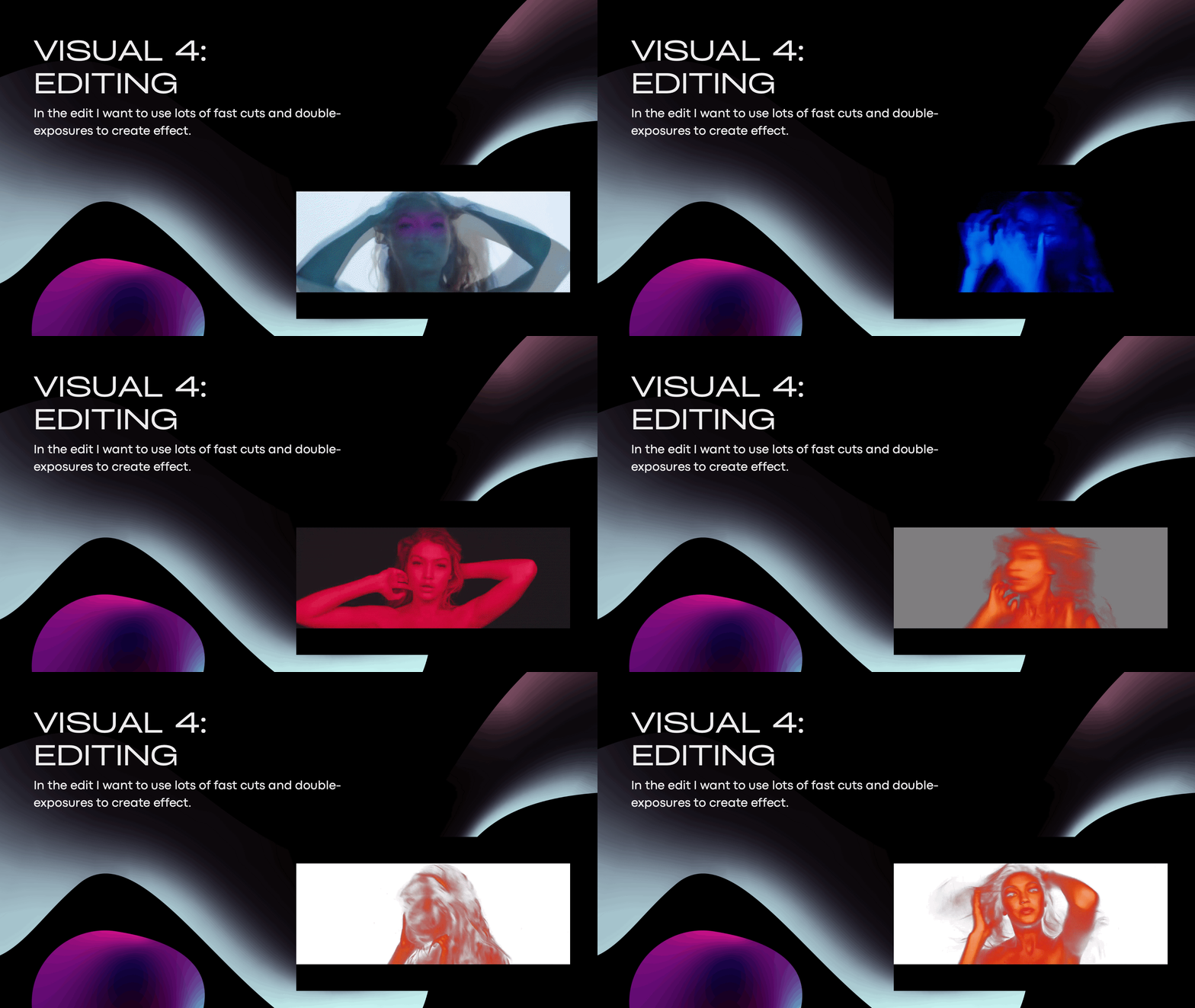
As I mentioned in my pitch, I have decided to use the song: Sweet Dreams by TRINIX for my music video, this song is a pop song and is very fast-paced and I want the editing of the music video to match this; I want to include lots of fast cuts, visual effects and transitions.
This video for the song How Deep Is Your Love by Calvin Harris & Disciples uses fast-paced editing and visual effects to match the atmosphere of the music. I also particularly like the colours used and maybe I could experiment with colour in my project.
Filming the Video
Filming live lighting can be a challenge, especially when the lighting changes rapidly as it will for my music video. Not to mention the projections, which are notoriously difficult to film because of how projectors work.
It was quite difficult to find any guides on how to shoot live lighting, this video was the only one I could really find and it only briefly touches on camera settings or anything like that, so I’ll have to consult Paddy or Alex about the best way to shoot.
Pre Production
Location
From the get-go I knew that I wanted to film in a large open space with the ability to control the lighting – therefore the theatre was going to be the best location, so I got in touch with Amber Redhead – Head of Performing Arts and asked if I could use the theatre.
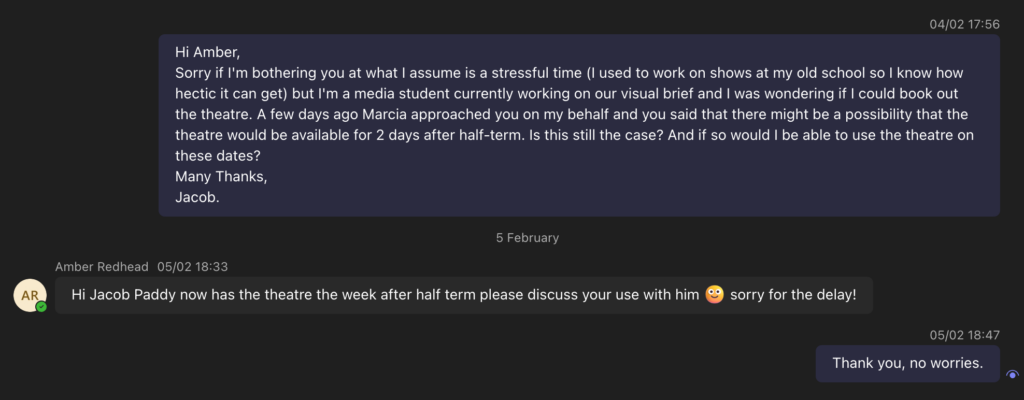
So I asked Paddy and he said that whilst they were using the theatre Monday and Thursday with the 2nd years for pitches, Tuesday and Wednesday were available for me to use.
Lighting
Lighting Patch List
Lighting Plot
Programming
The hardest part of the lighting process is programming, but it’s also the most enjoyable for me…
I added 10 Pars as a floor package and then I started programming by creating some macros and effects.
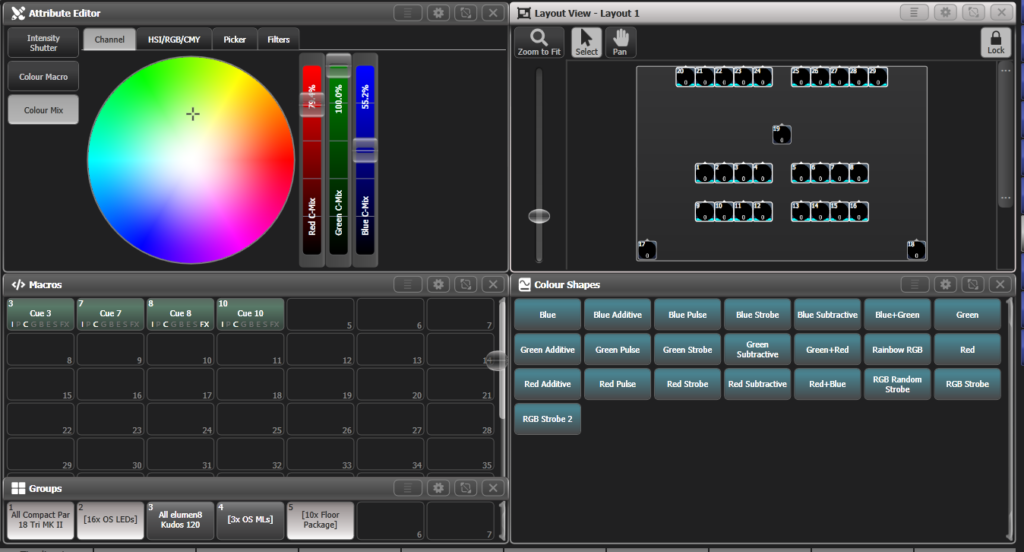
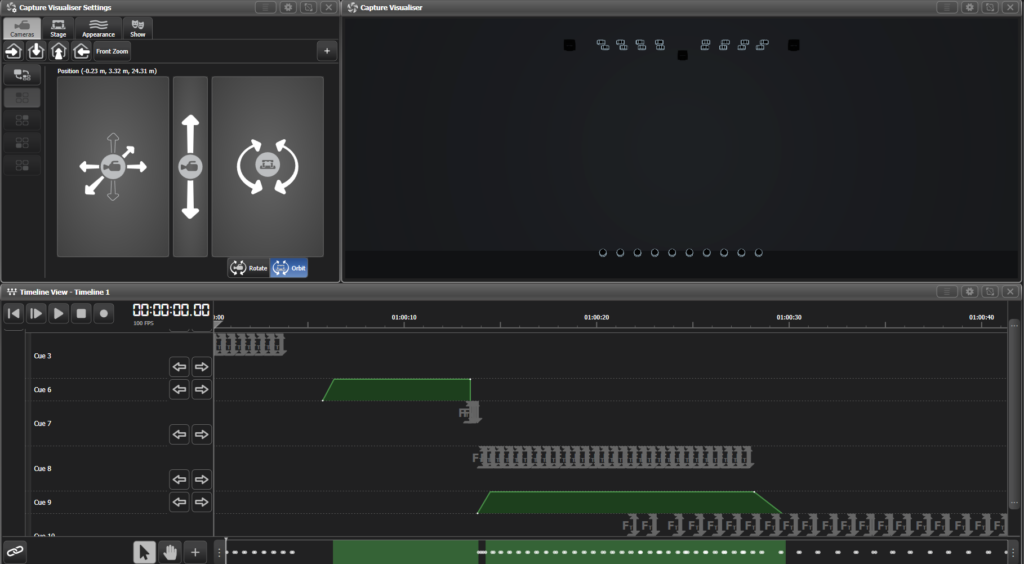
I then recorded these effects and macros onto a timeline and set up Winamp to act as an external timecode source so that I could line up the triggers to the music.
Projections
Option 1
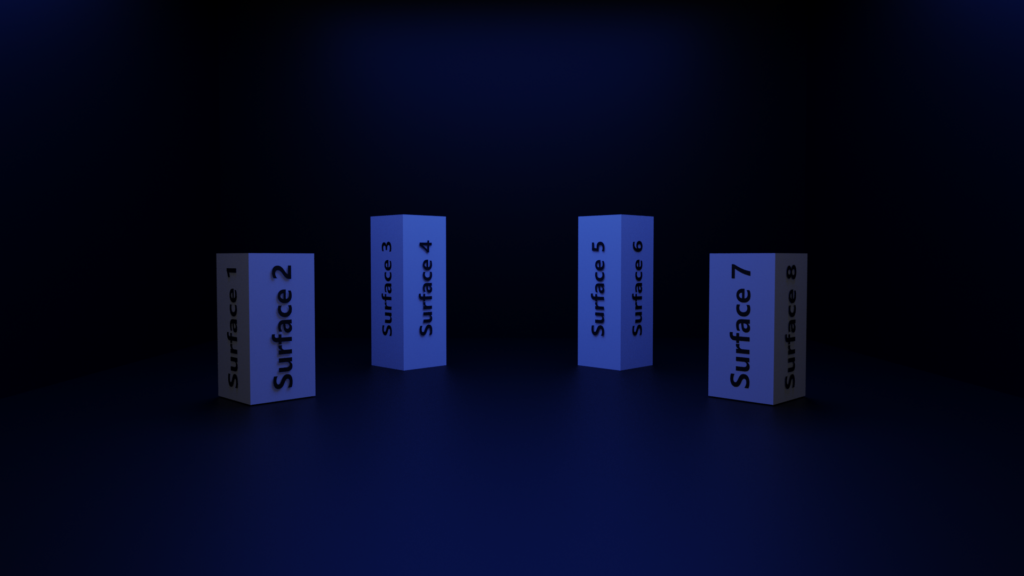
The first option for staging is to have 4 large stage blocks for a total of 8 surfaces to project onto, with either different projections on each surface or just one video repeated on all 8.
Option 2
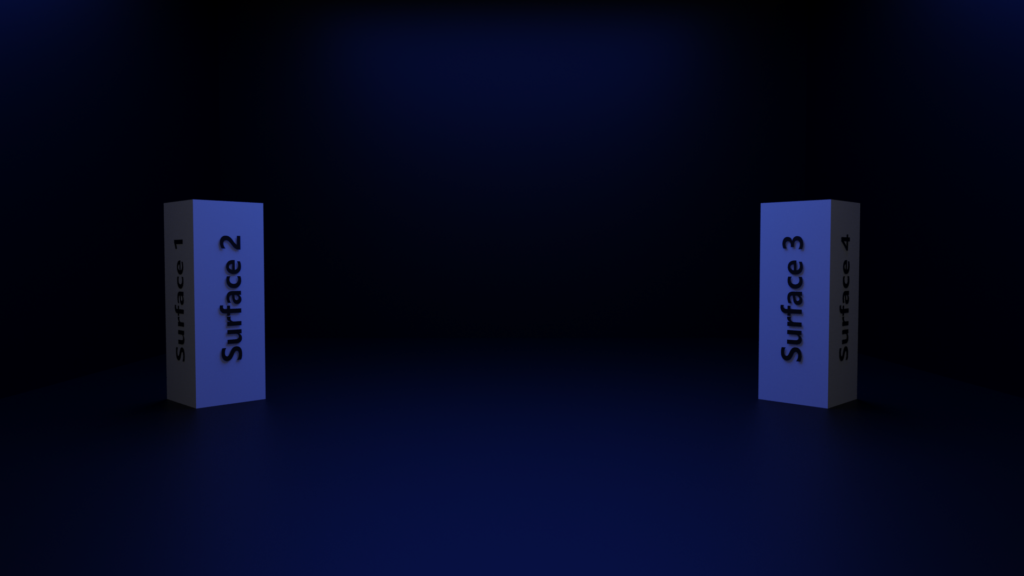
The second option is to reduce the number of surfaces to 4, using 2 large stage blocks.
Risk Assessment
Production
Day 1 – 09/02/24
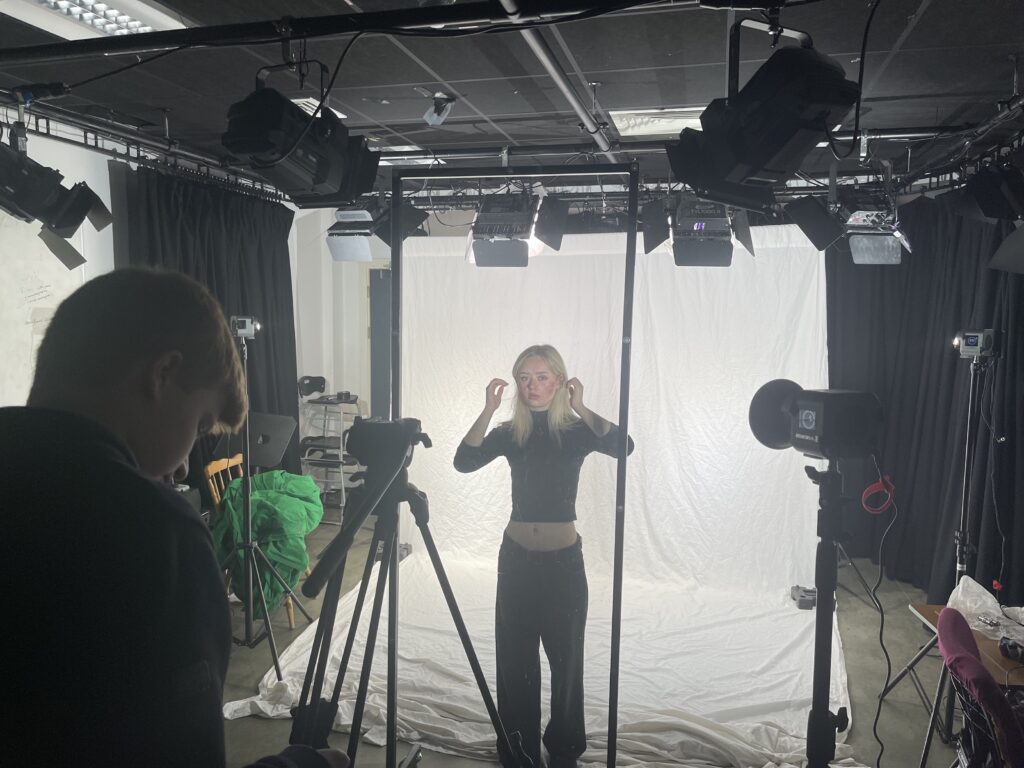
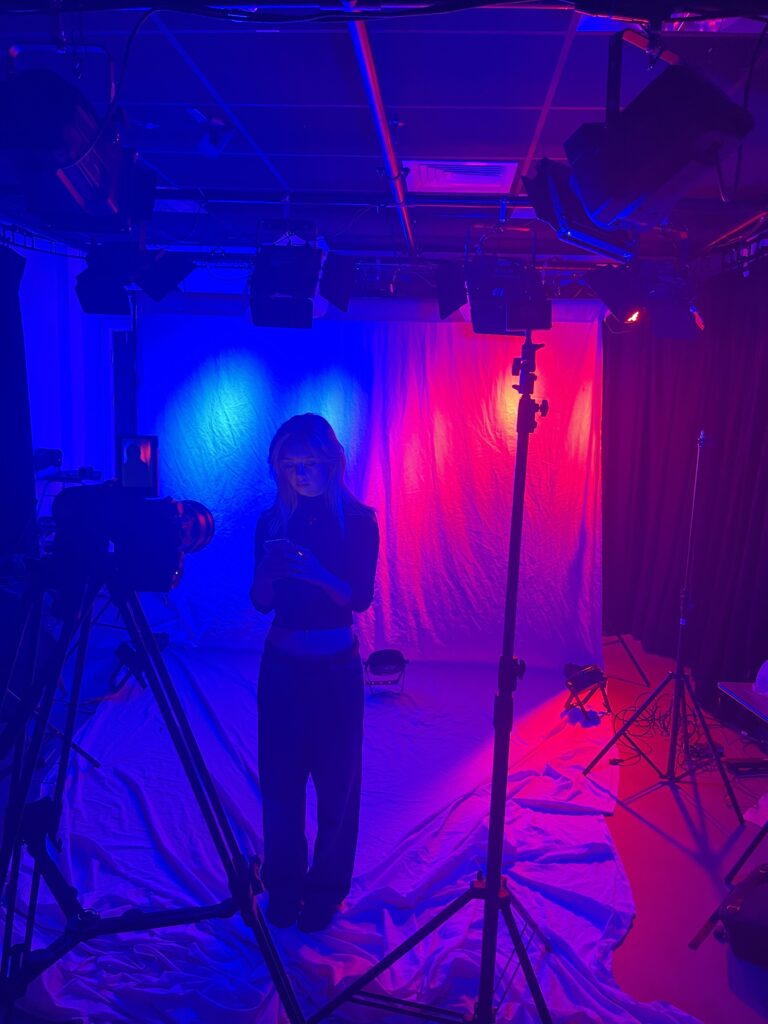
I started filming on the Friday before half-term in the studio where I had a white sheet set up as well as multiple lighting setups. I filmed the projections content to be projected onto the stage blocks.
Editing Projections Content
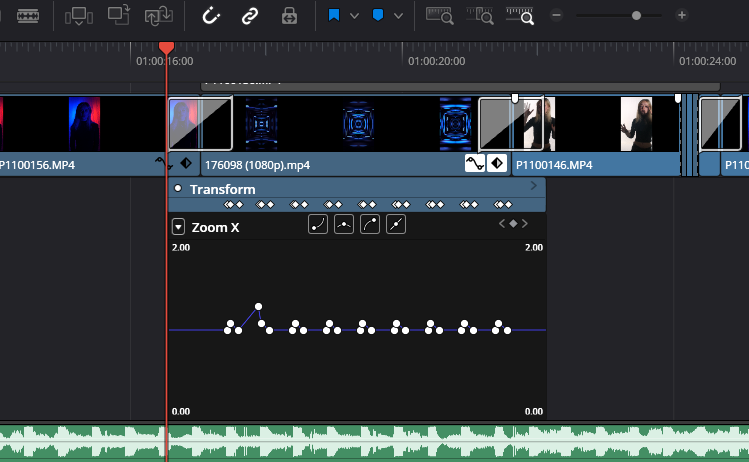
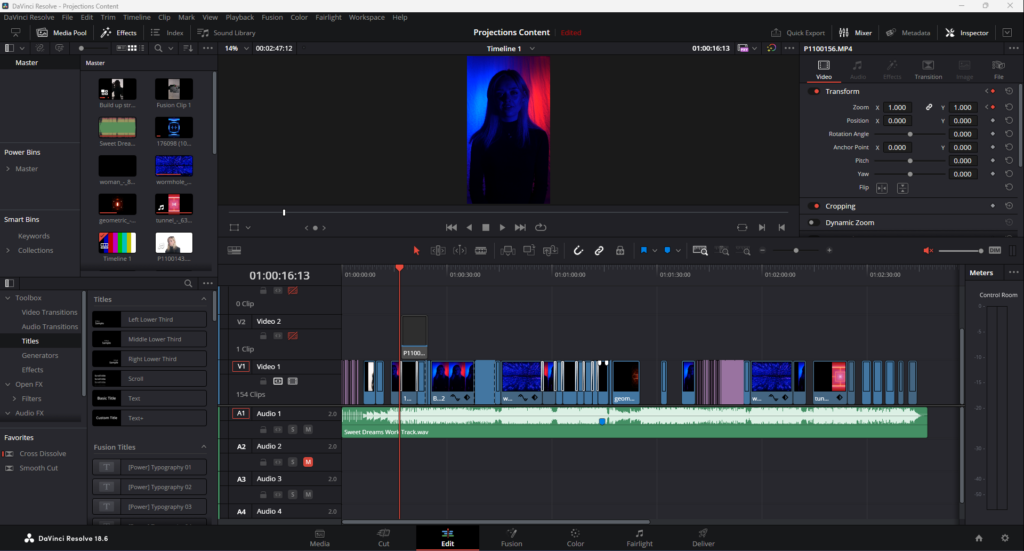
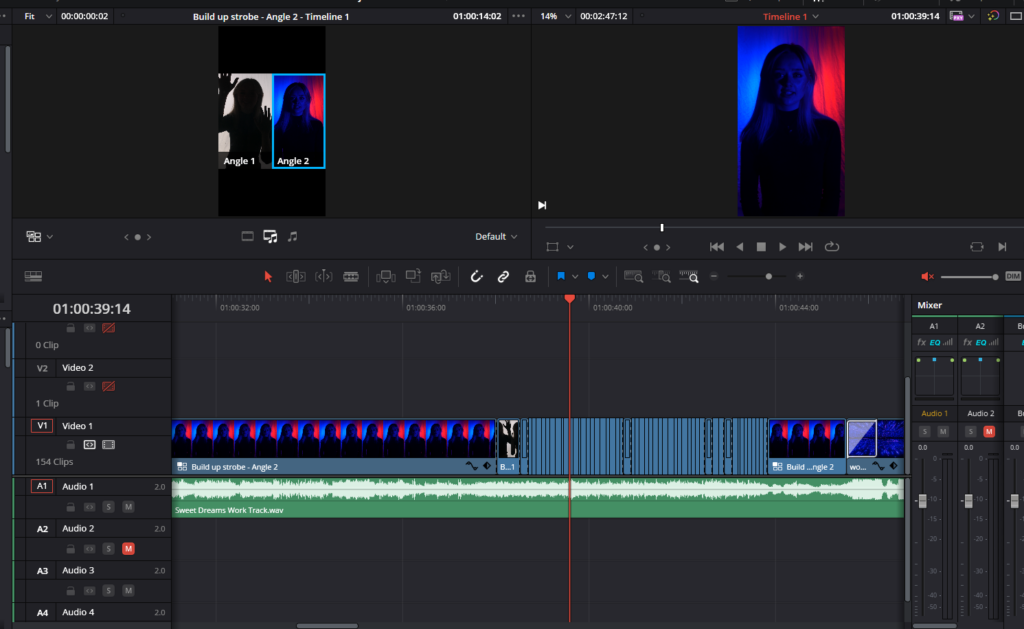
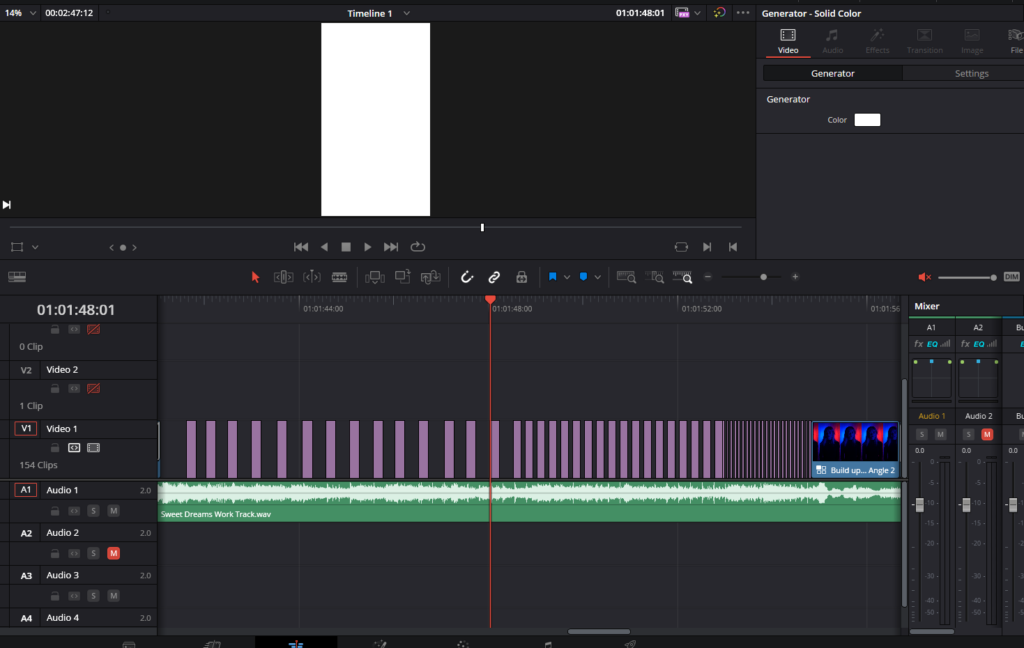
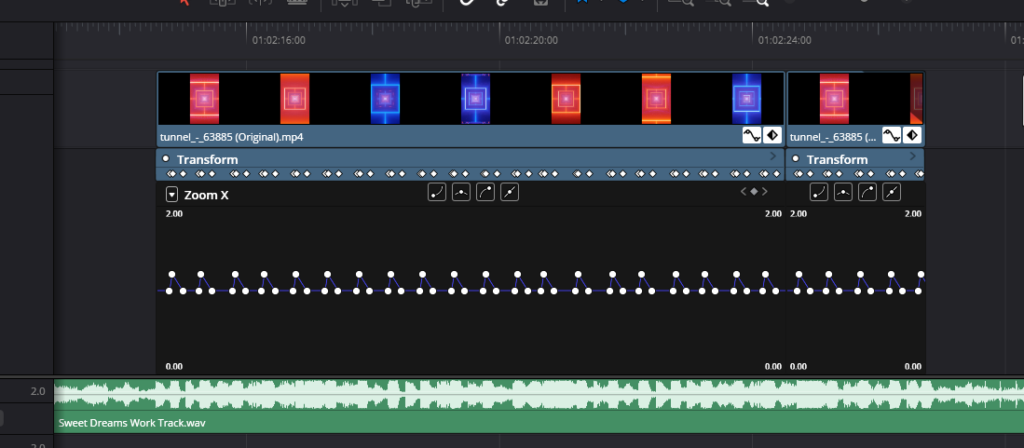
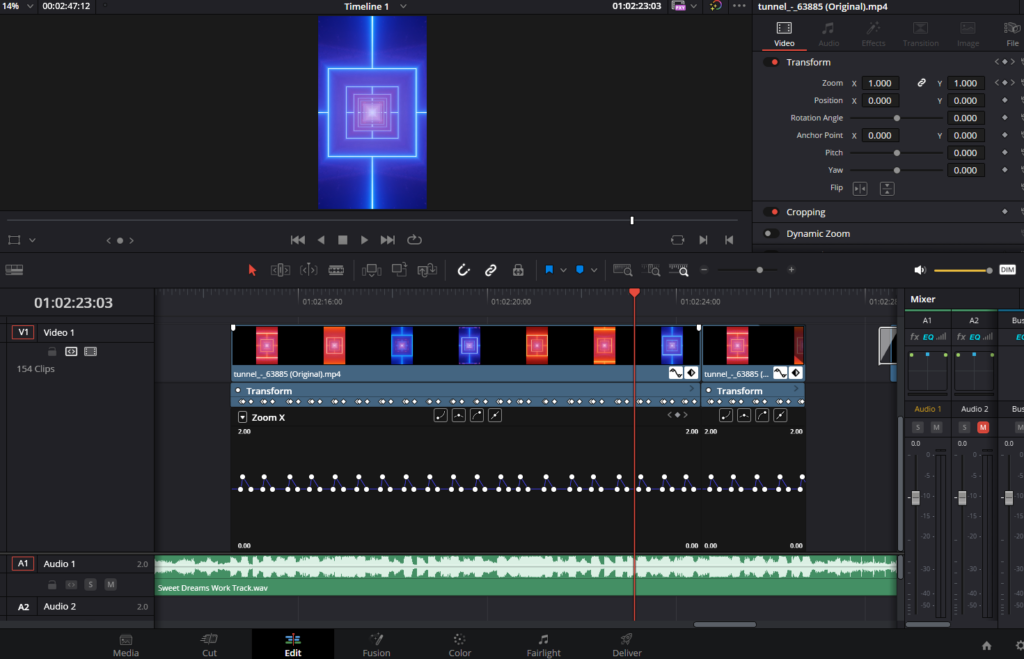
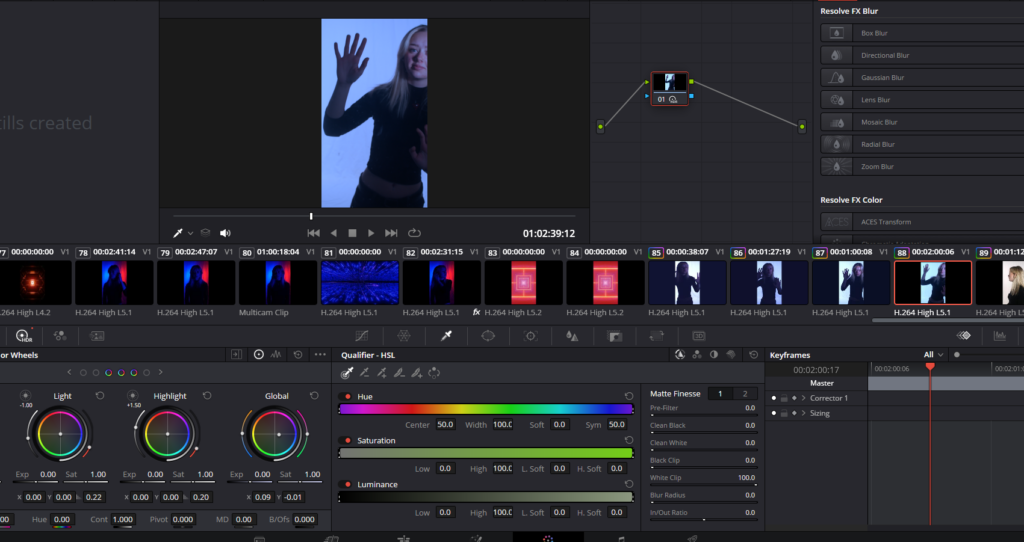
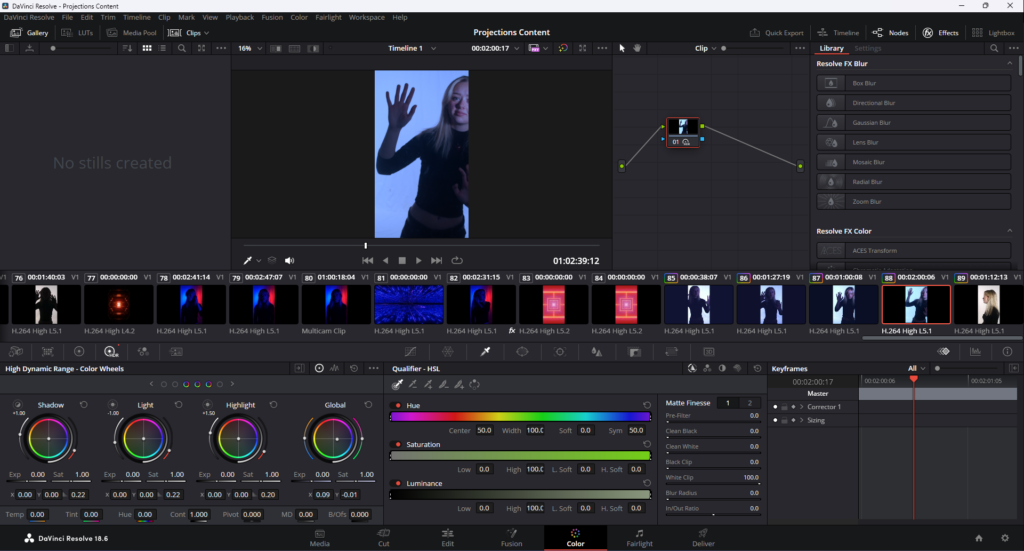
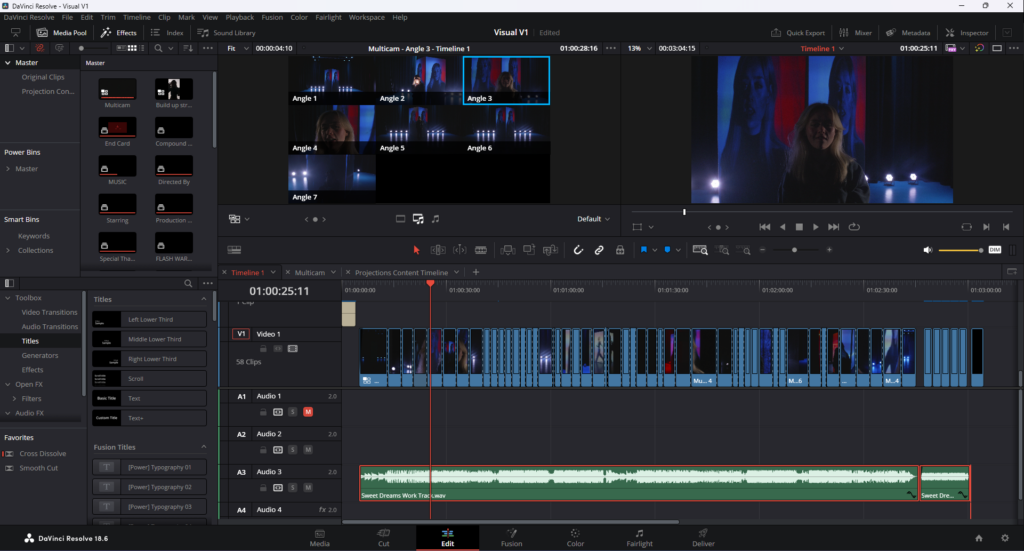
I edited the clips and some stock visuals together using various effects such as inverted colour, keyframing and colour grading. I used keyframes to make the video ‘bounce’ to the beat of the music and I used fast-paced cuts to create a strobe-like effect using multicam.
Day 2 – 20/02/24
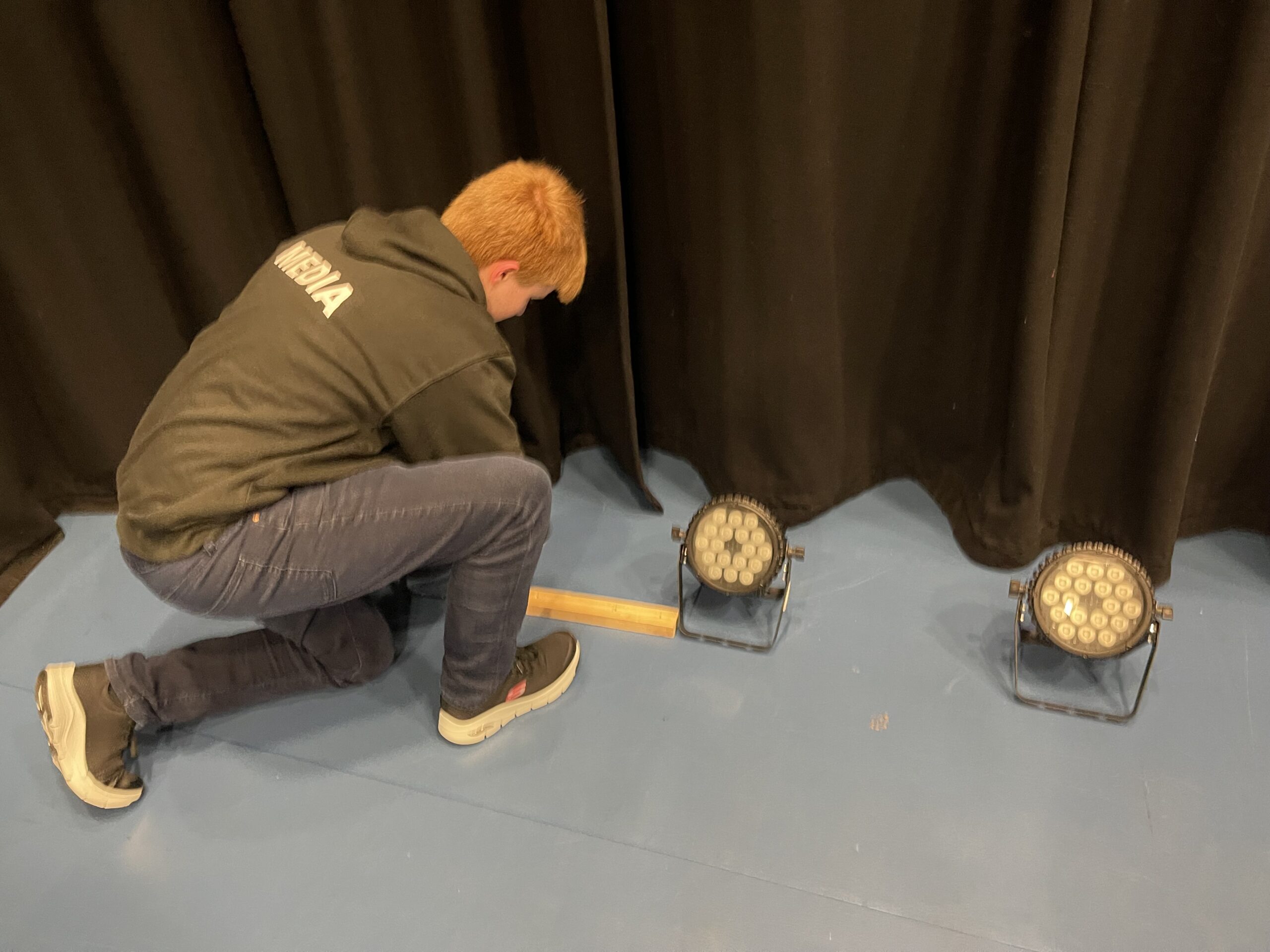
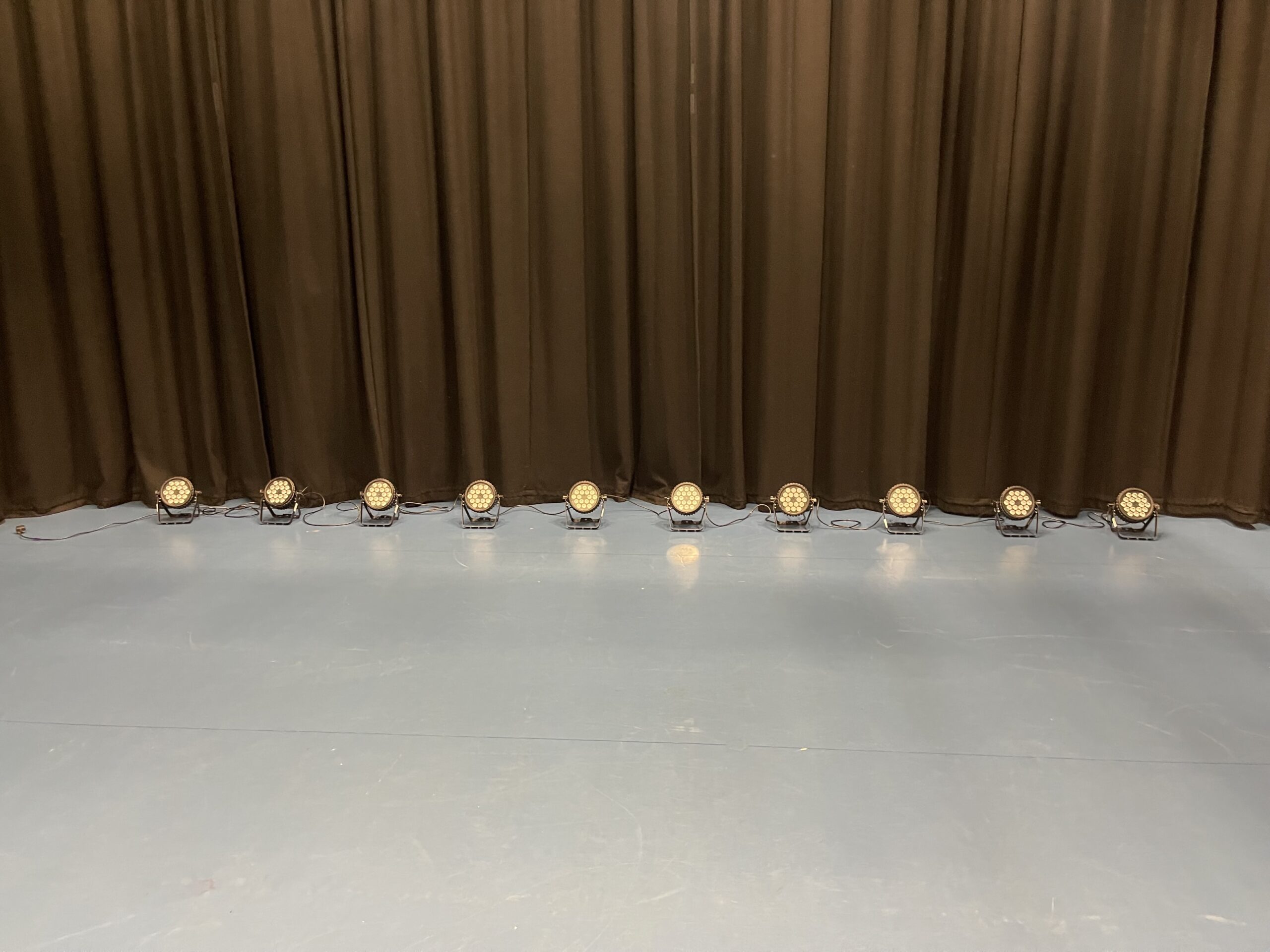
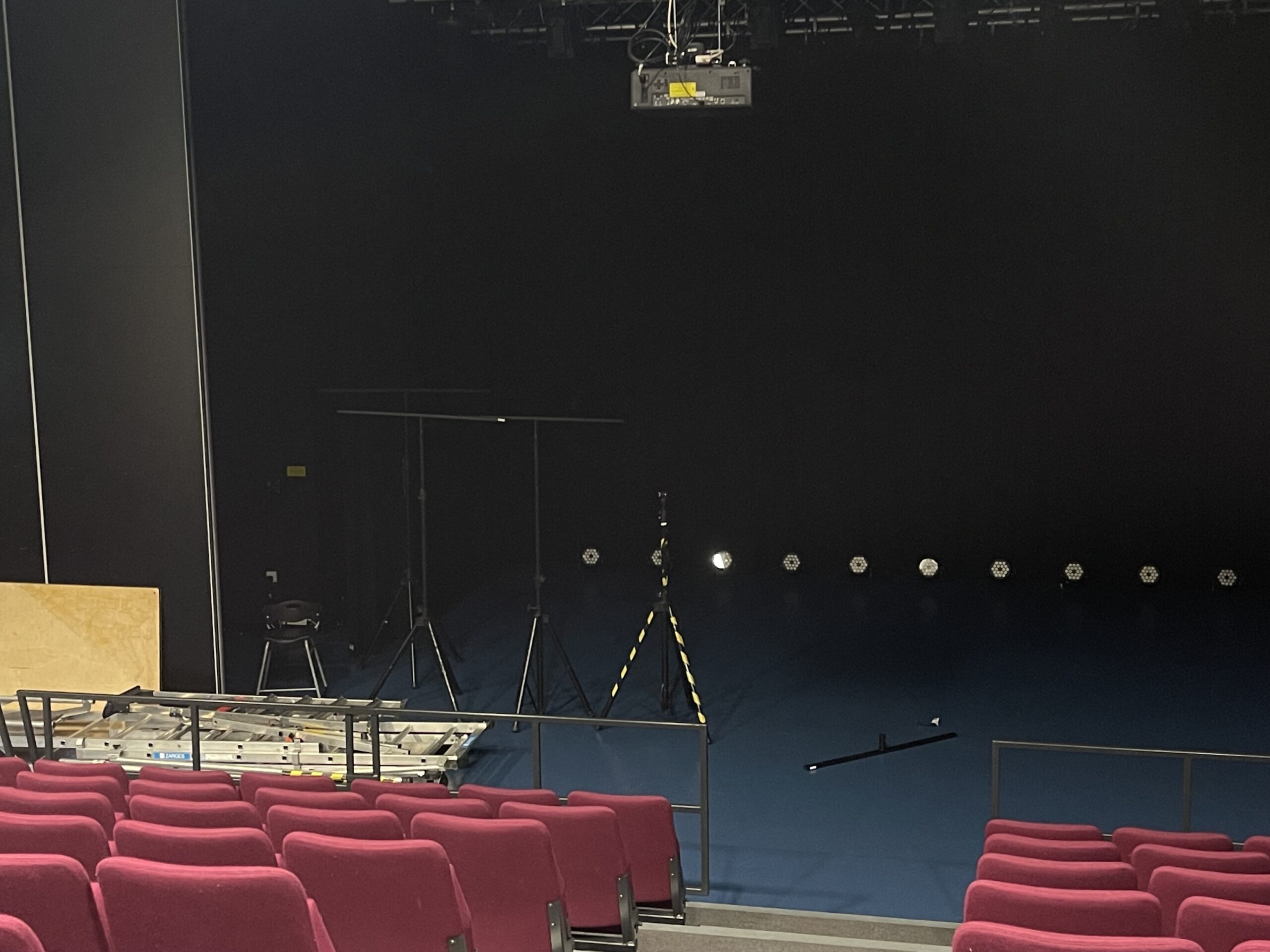
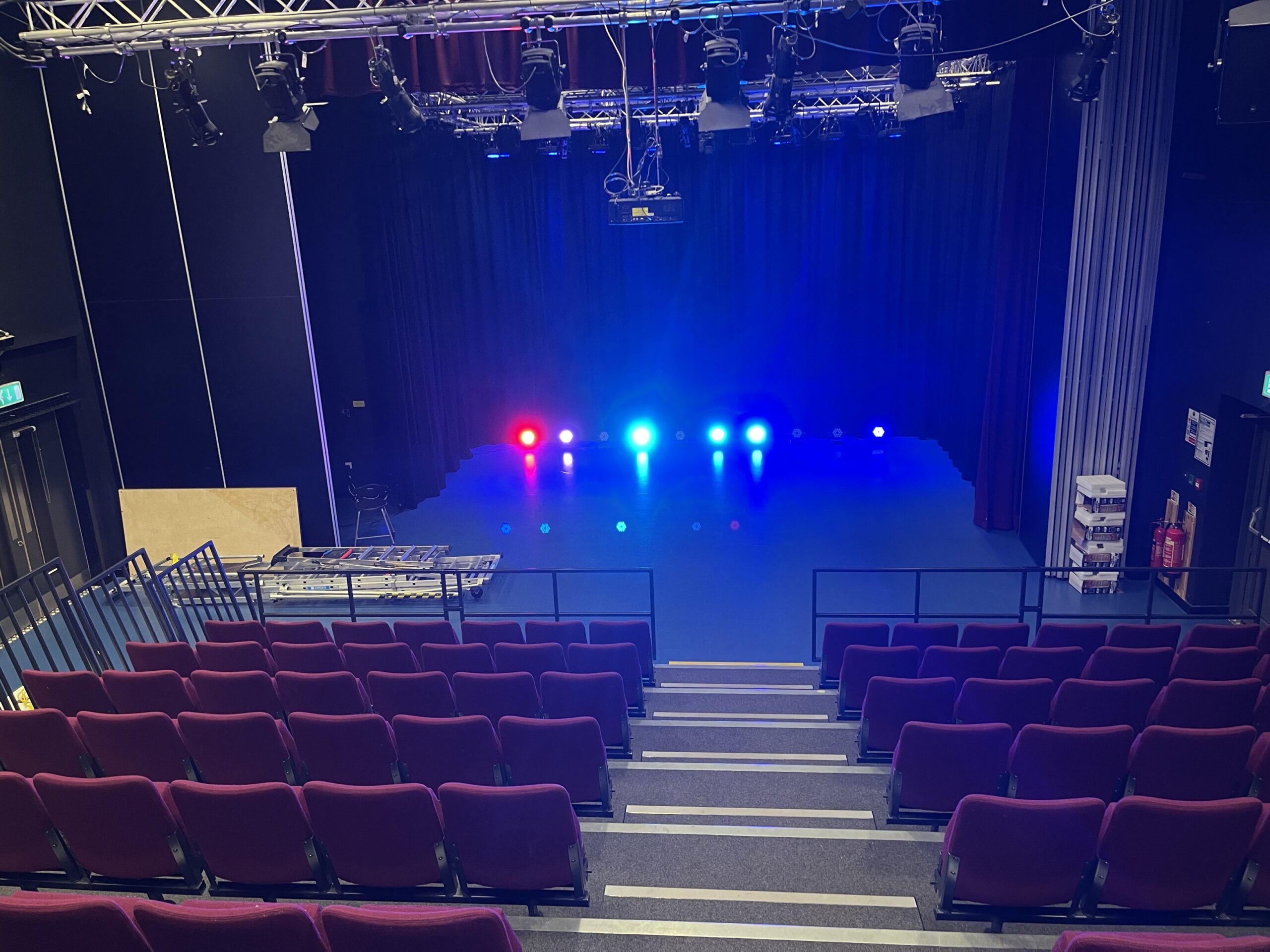
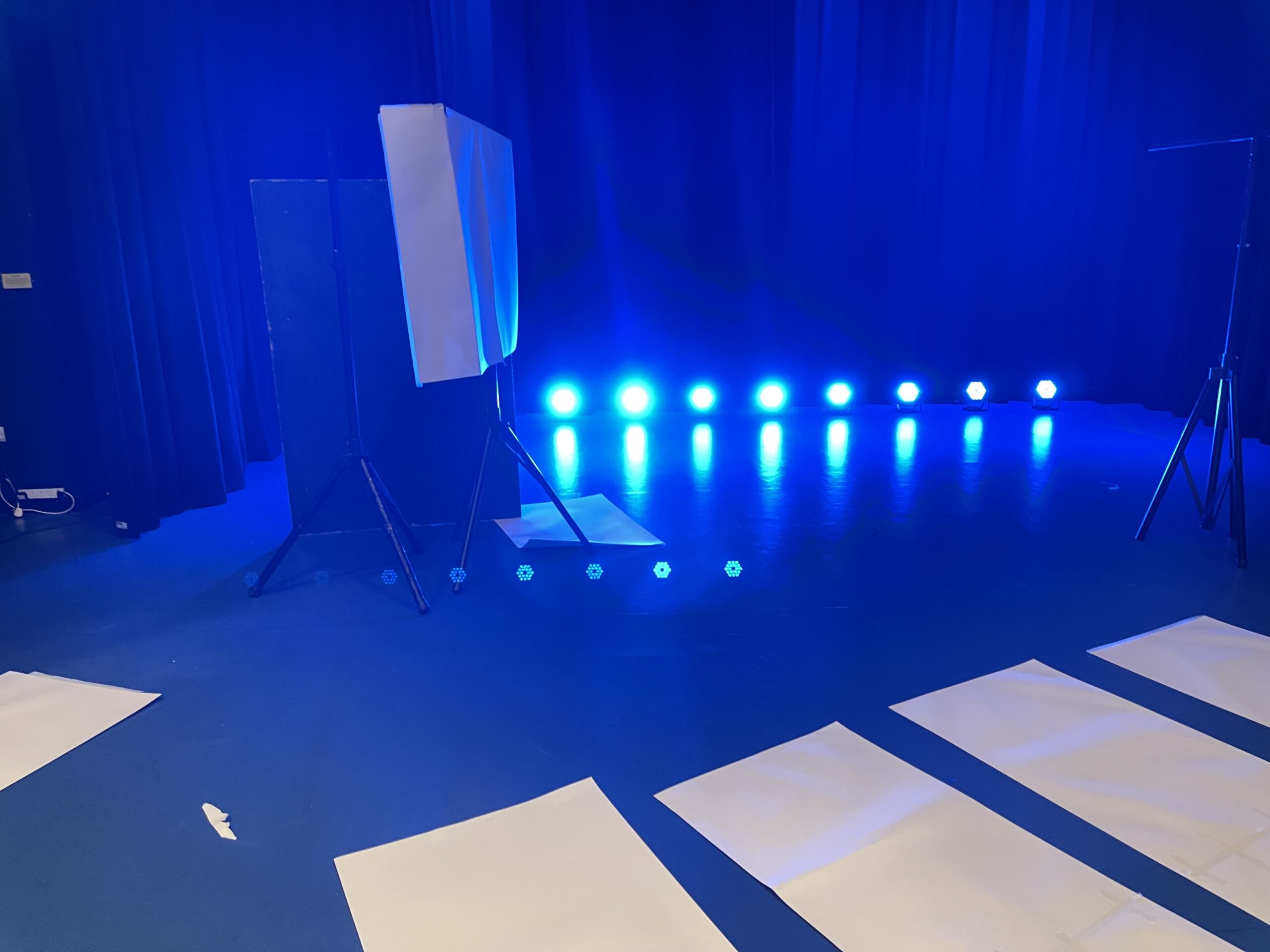
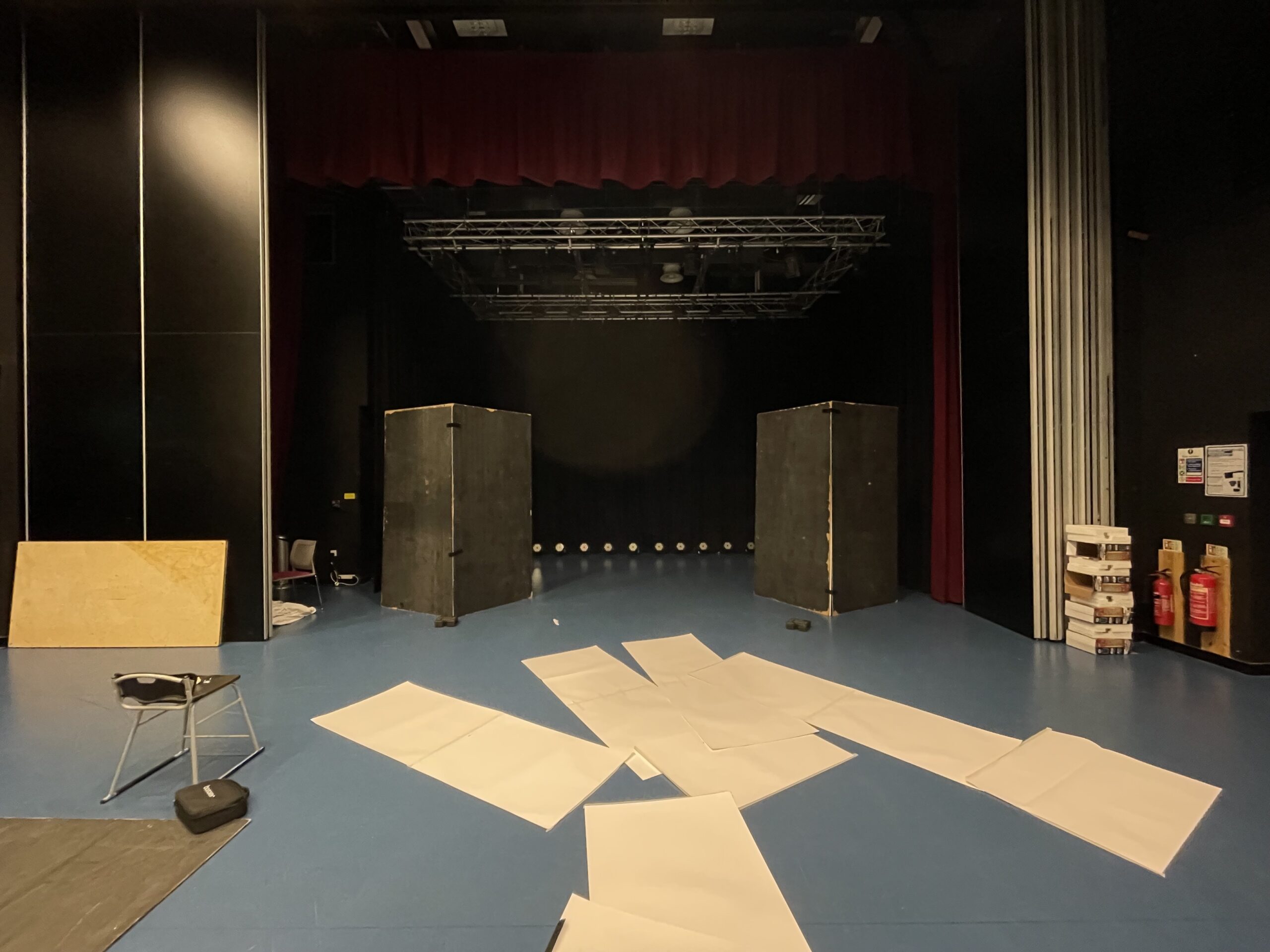
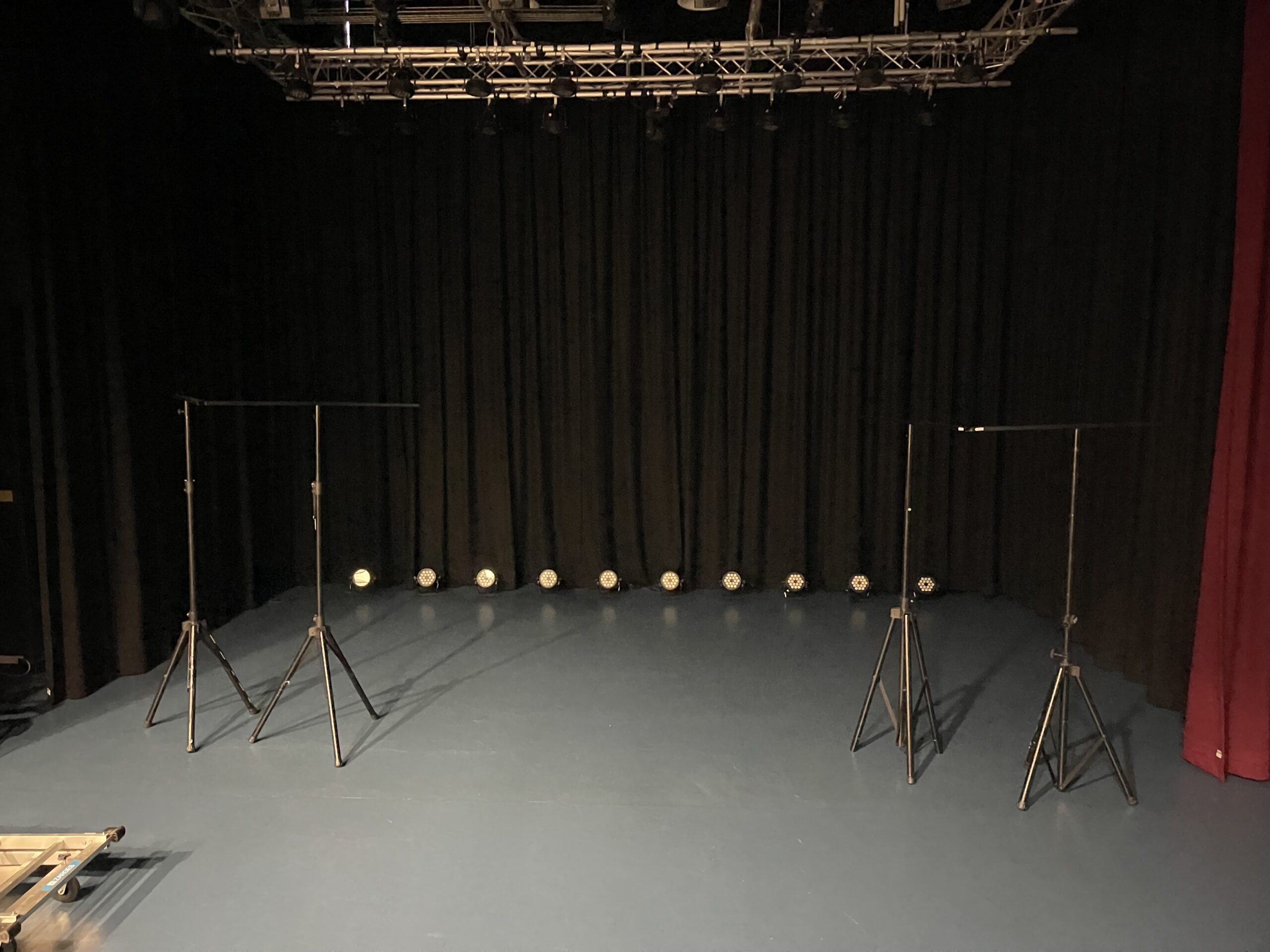
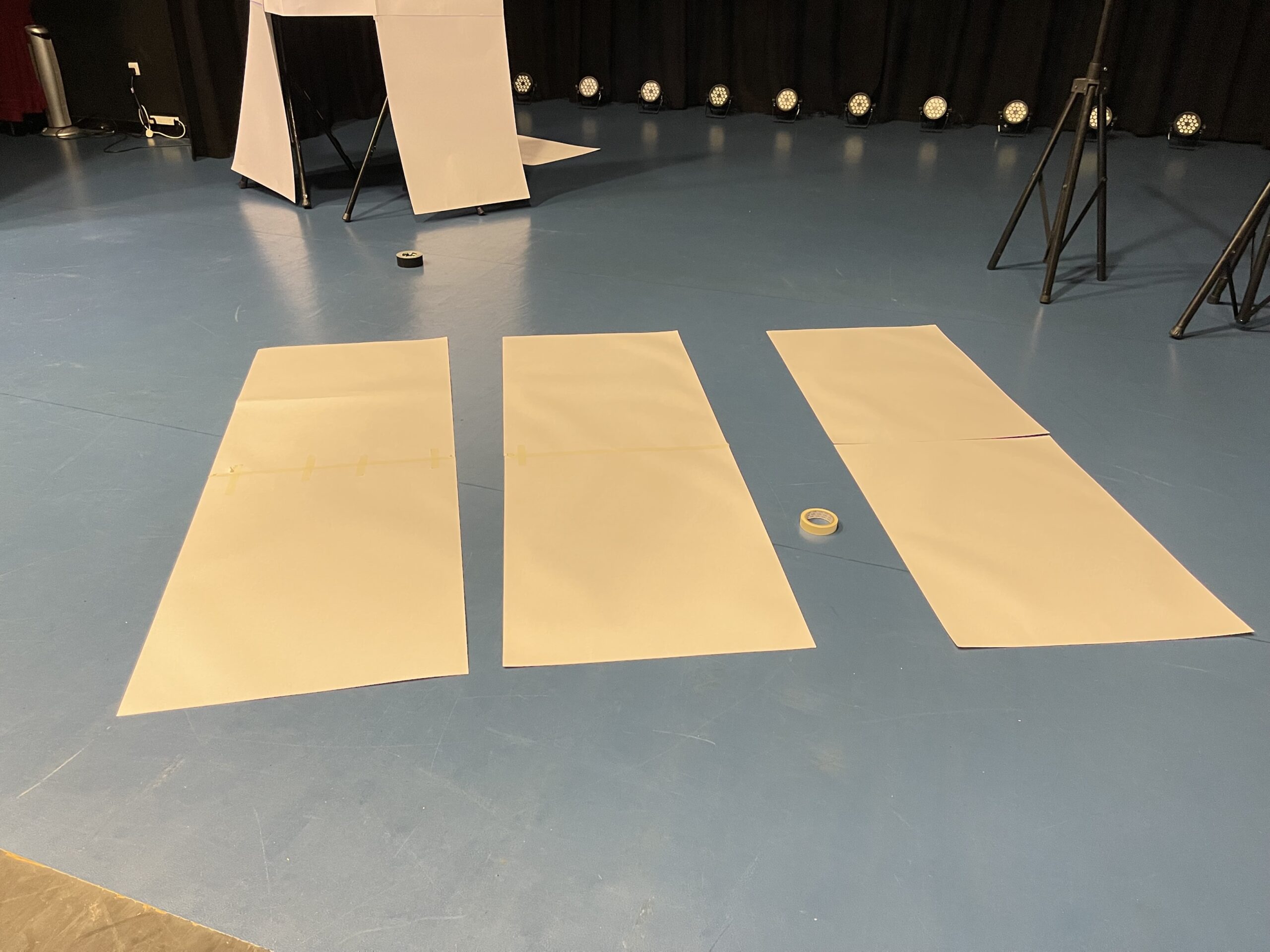
On the Tuesday after half term we began setting up the stage. Firstly we set up the lighting floor package and then moved on to the stage blocks, with these we had great difficulty, for most of the day we tried various setups with t-bars and fabric and sheets of paper donated by the Art Department, but by the end of the day we decided to set up 4 pieces of MDF that was on the floor for the seating to roll along as the two boxes. I had originally thought that I would be able to begin filming the video on the Tuesday, however, we didn’t manage to finish getting set up. I set up the lighting using my newly acquired Avolites T1.
Day 3 – 21/02/24
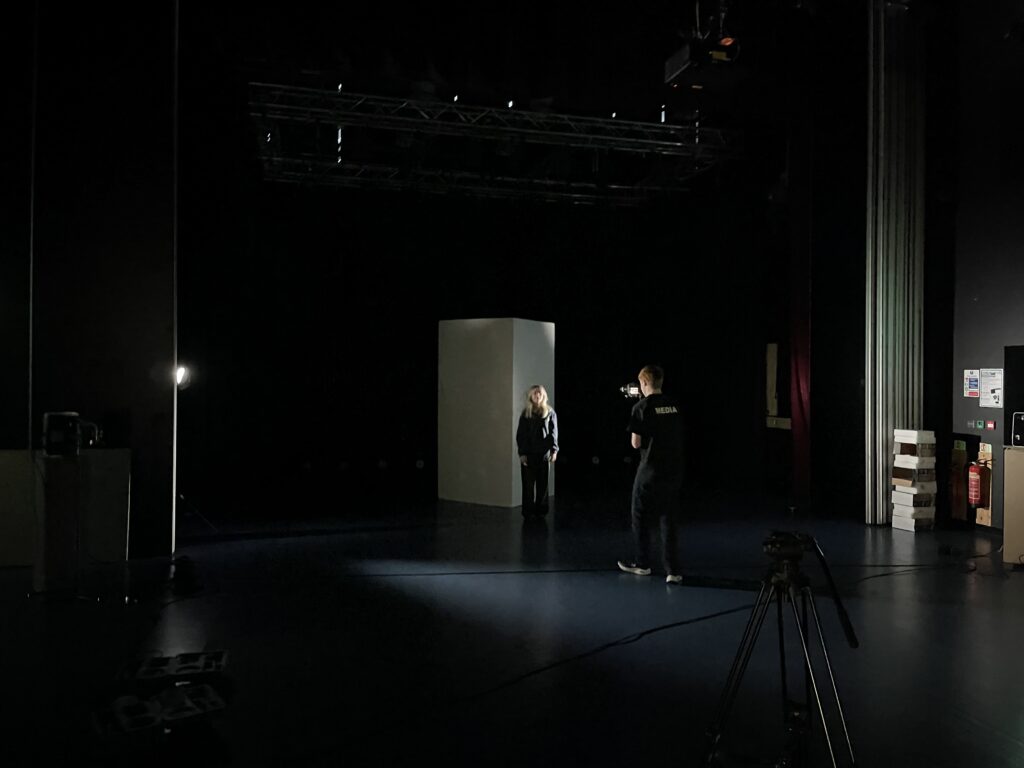
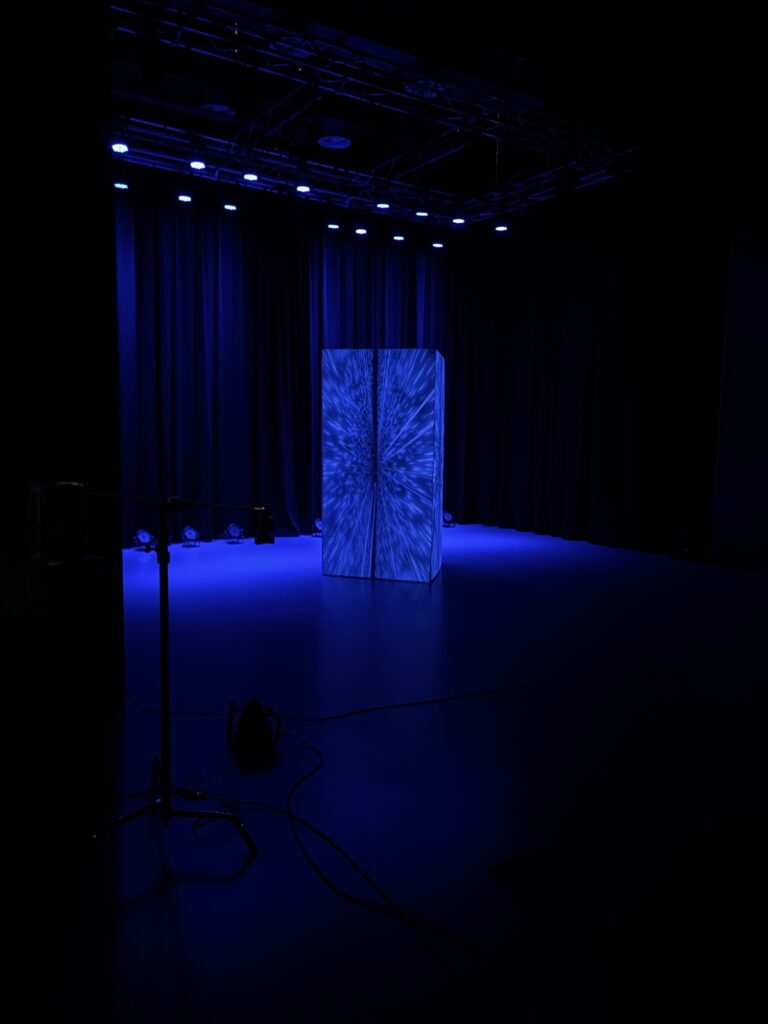
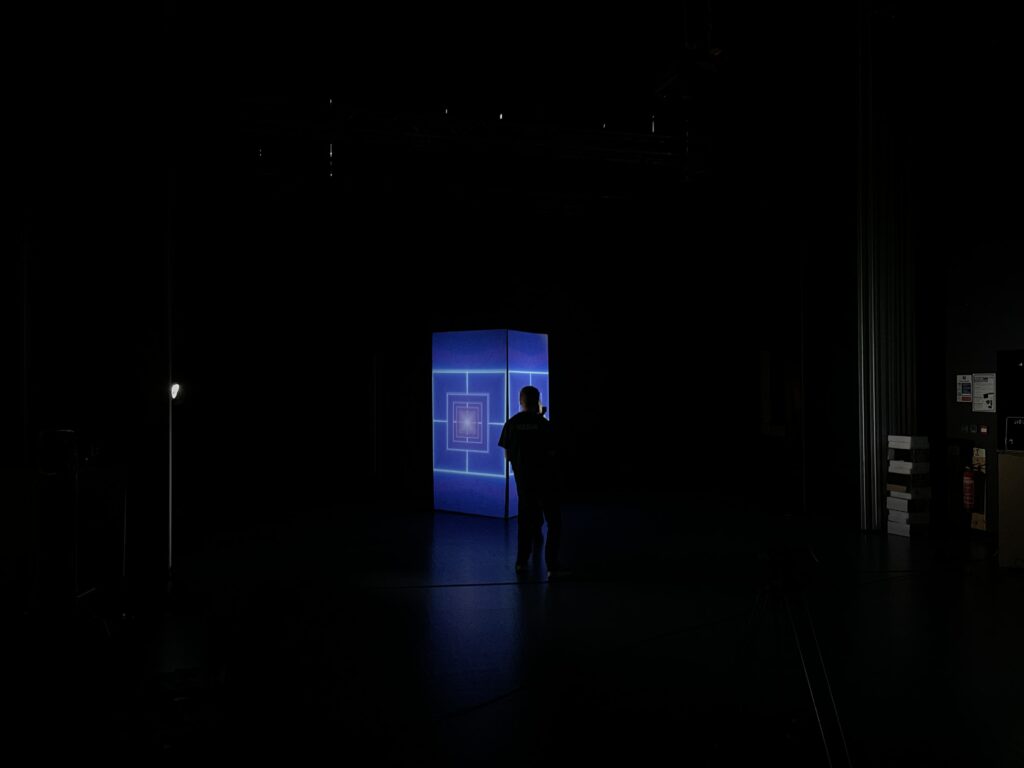
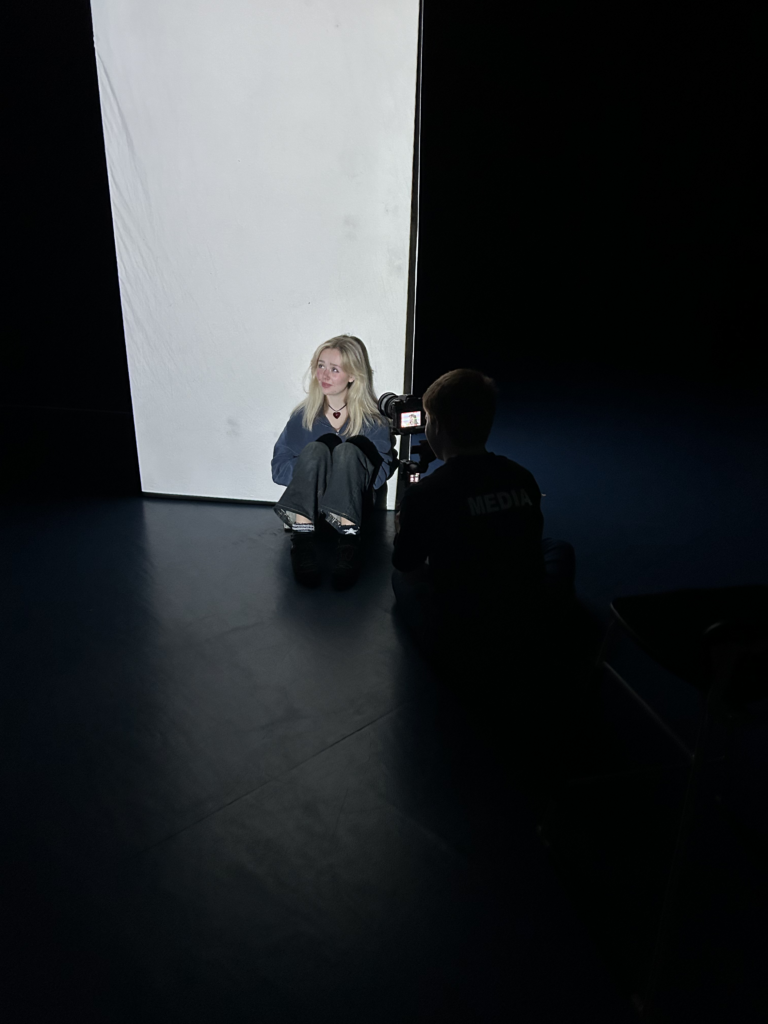
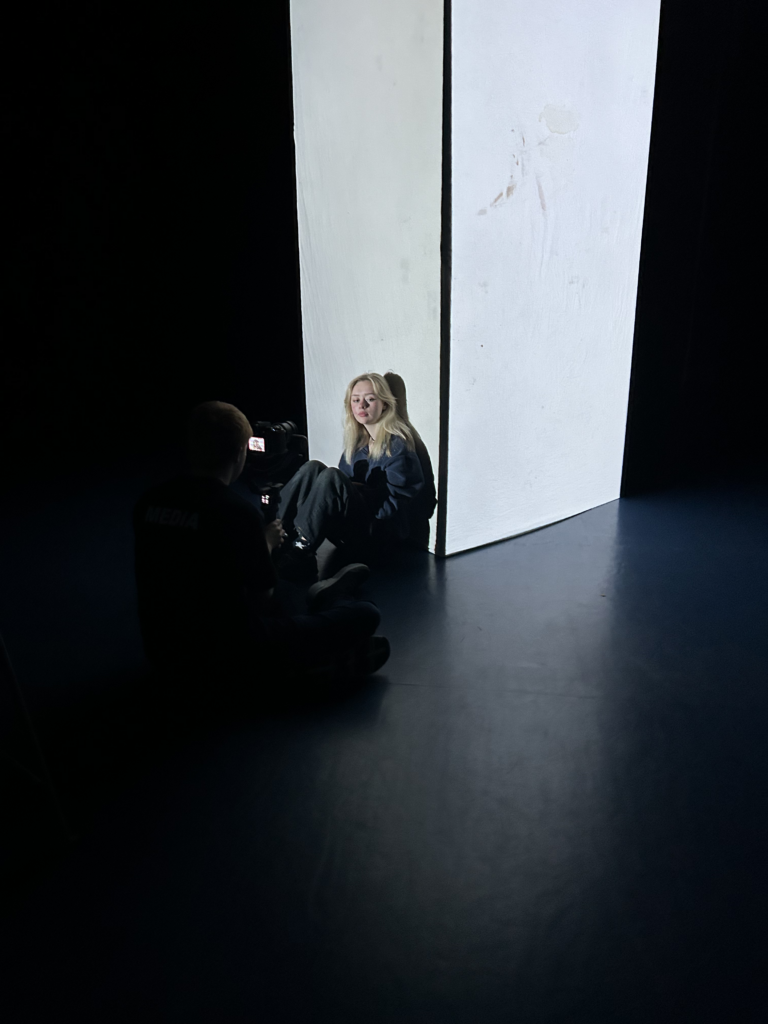
On the second day in the theatre, we decided to use one of the two boxes as we only had one white cyc sheet to cover the black MDF with. So in a change to the original plan, we placed the box in the middle of the stage and reduced the number of surfaces to two. We then set up the projections using Qlab on Alex’s Macbook and ran Avolites Titan on my bootcamped Macbook. We used two BenQ projectors that Alex borrowed from IT.
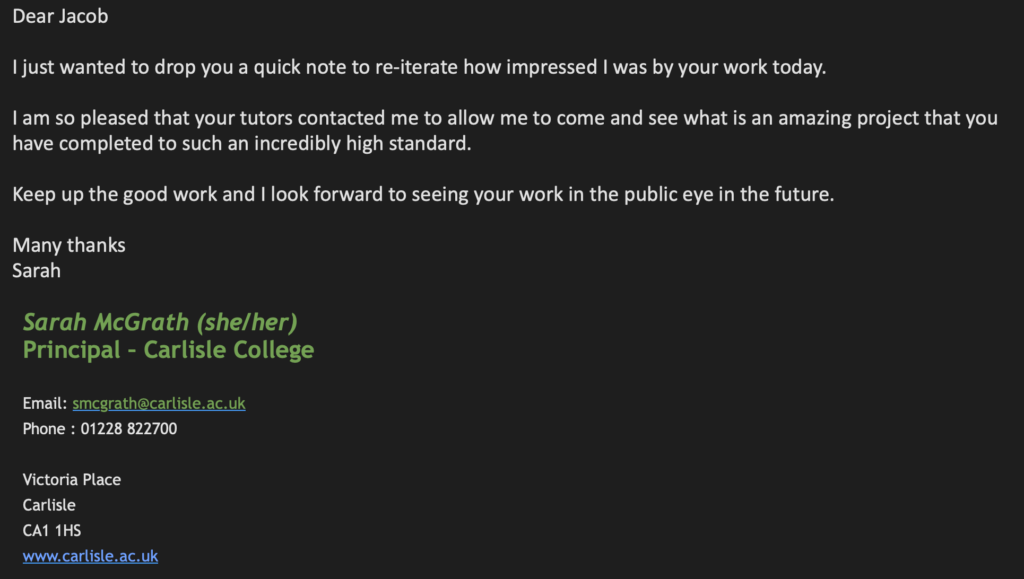
We showed the projections and lighting to Darren who seemed very impressed and invited Chris (Head of the Arts) to watch and then he in turn invited the Principal. They were all very impressed and I’m glad they had a look and enjoyed it however, after spending the majority of the morning trying to set up the box and projections we now had very little time to film, so we got what we could and tidied away as best we could for the second years to do their pitches the next day.
Talent Release
Post-Production
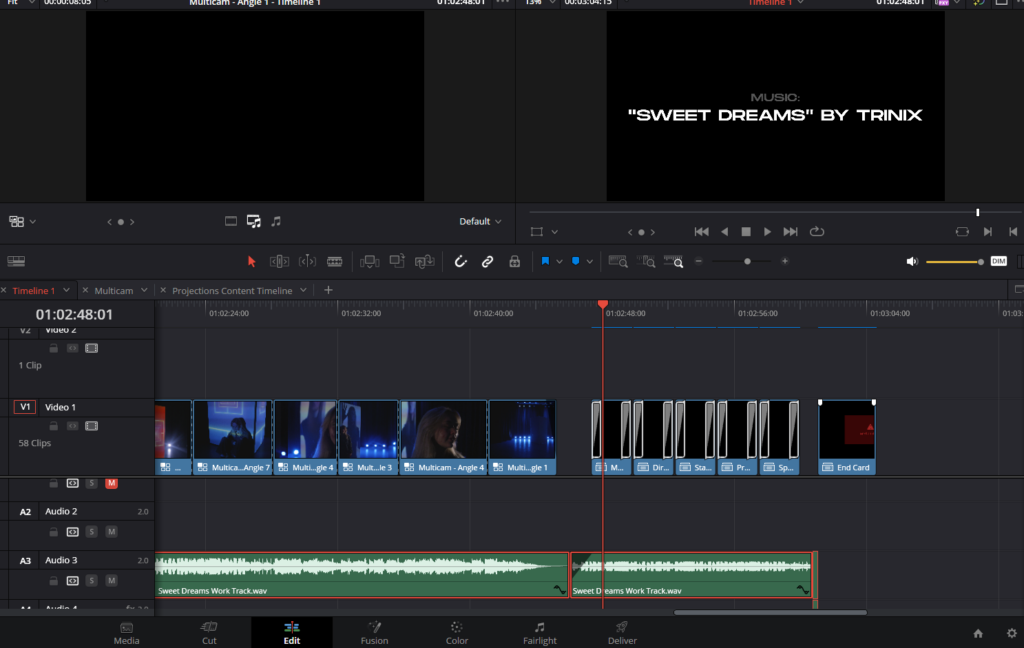
The final edit was very simple as it was mainly just a case of using multicam to switch between the different synced angles and adding a flashing images warning and credits.
Evaluation
For this project, I set ambitious goals. While I’m generally pleased with how the music video turned out, I can’t help but wonder if it could have pushed the boundaries more visually. I wish I had allowed myself more flexibility with the lighting and projections, maybe incorporating some cutaways/b-roll or additional footage to add variety to the single-location setting. People who saw the setup in person seemed impressed, but I feel it didn’t quite have the same impact in the video format and perhaps it was better suited for display in an exhibition.
I am very happy with how the lighting looked. I used my newly acquired Avolites T1 along with the Titan software to pre-program a lighting sequence and it works very well with the style of song.
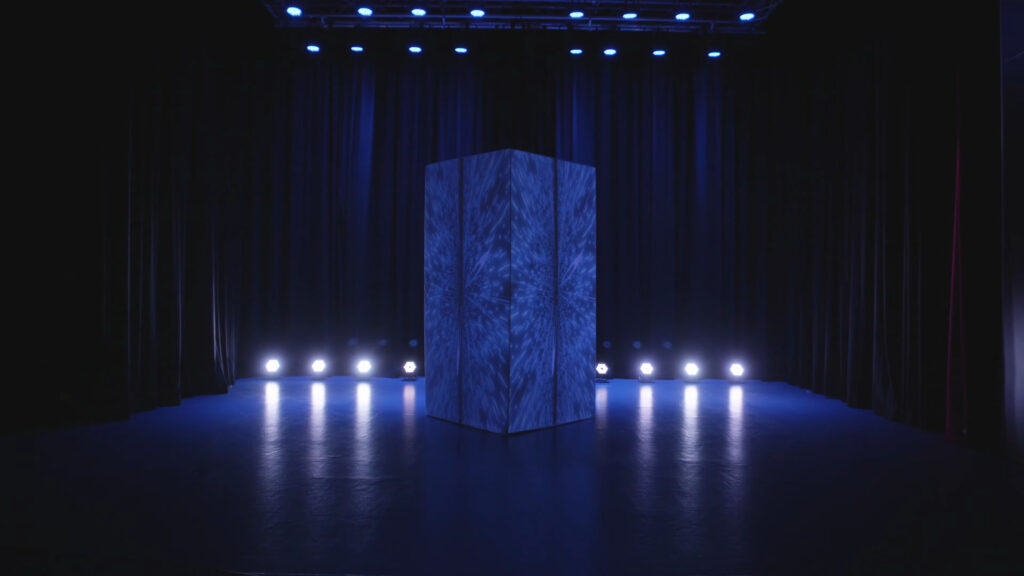
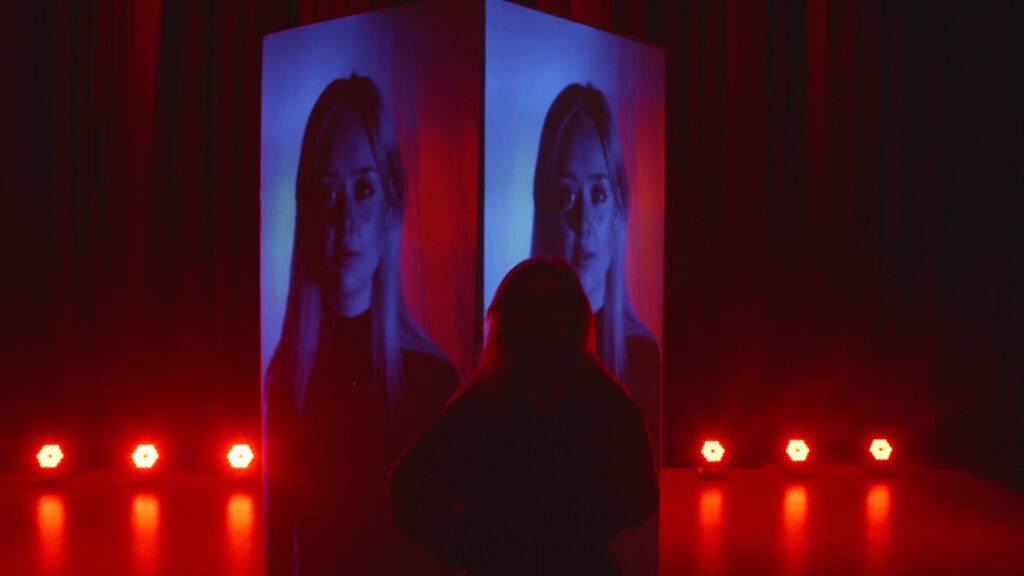
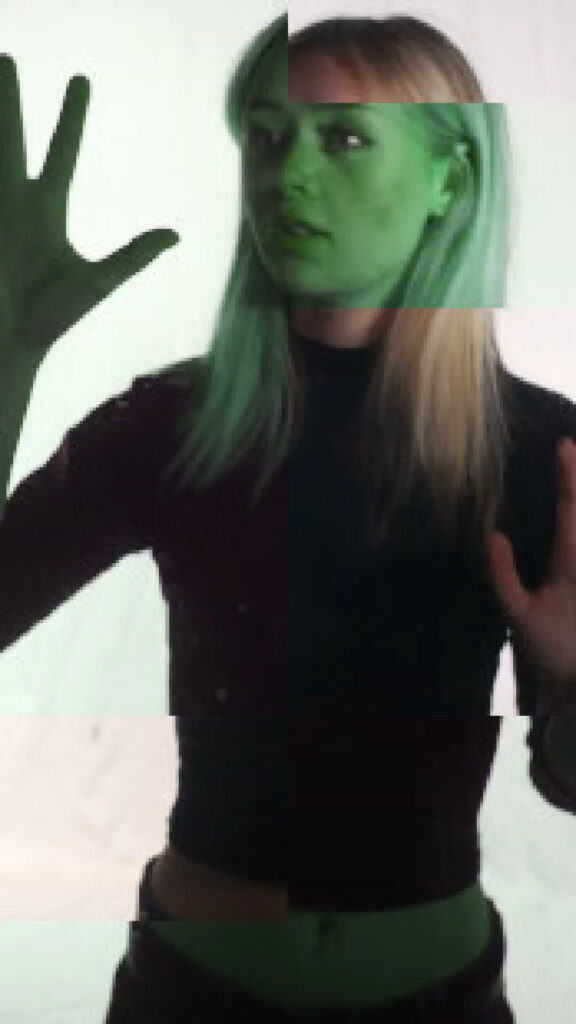
I also think that the projections look good and are perhaps more experimental than the actual finished video.
However, I didn’t leave enough room to insert B-roll into the final video as the projections were continuous.
The projectors were also not bright enough and you can see them scanning, so I wish I’d done more research into how to film projections.
I didn’t work alone on this project, I had significant help from Alex, Kyle and Ewan from second year who all helped massively on set, we worked professionally and efficiently, especially when we were on a time crunch at the end of the day on Wednesday to get things filmed.
During my research phase, I came across some helpful information that influenced my video concepts, however as mentioned above there were certain aspects, such as filming projections, where I should have done more research.
Due to time constraints, we couldn’t include the motion-controlled elements I had in mind. Looking back on the process, I wish that I had planned the shots out better and given Katie clearer direction on what to do. So, the limited variety in the shots and Katie’s static performance show areas where I need to improve my directing skills.
In conclusion, while I set ambitious goals for the project, there are several areas where I feel that perhaps it fell short of its full potential. While I am generally pleased with the outcome of the music video, I can’t help but feel that it could have been more visually experimental to meet the brief better. The single-location setting, while impressive in person, may not have translated as effectively to video format, perhaps being better suited for exhibition display as people have commented.
I am particularly satisfied with the lighting, utilizing the Avolites T1 and Titan software to create a sequence that matched the song’s style. The projections also added the experimental touch the video needed, although I think they could have been better captured and integrated into the final video.
Despite the assistance from Alex, Kyle, Ewan, and others and our efficient teamwork, there were limitations we faced, such as time constraints preventing the inclusion of the motion-controlled elements I had researched at the beginning and planned to include. Additionally, clearer planning and direction for shots, as well as directing the performance, are areas in which I could do with improving.